Remove Background From Image - Free Transparent PNG Maker
Need to remove background from image files fast? This free tool turns any photo into a clean, transparent PNG in seconds – right in your browser. Because everything runs on your device, your images are never uploaded to a server, so your photos stay completely private.
Whether you are preparing product photos, a logo, a signature for a form, or a profile picture, this tool gives you a professional cutout without Photoshop and without paying a subscription.
What does it mean to remove background from image?
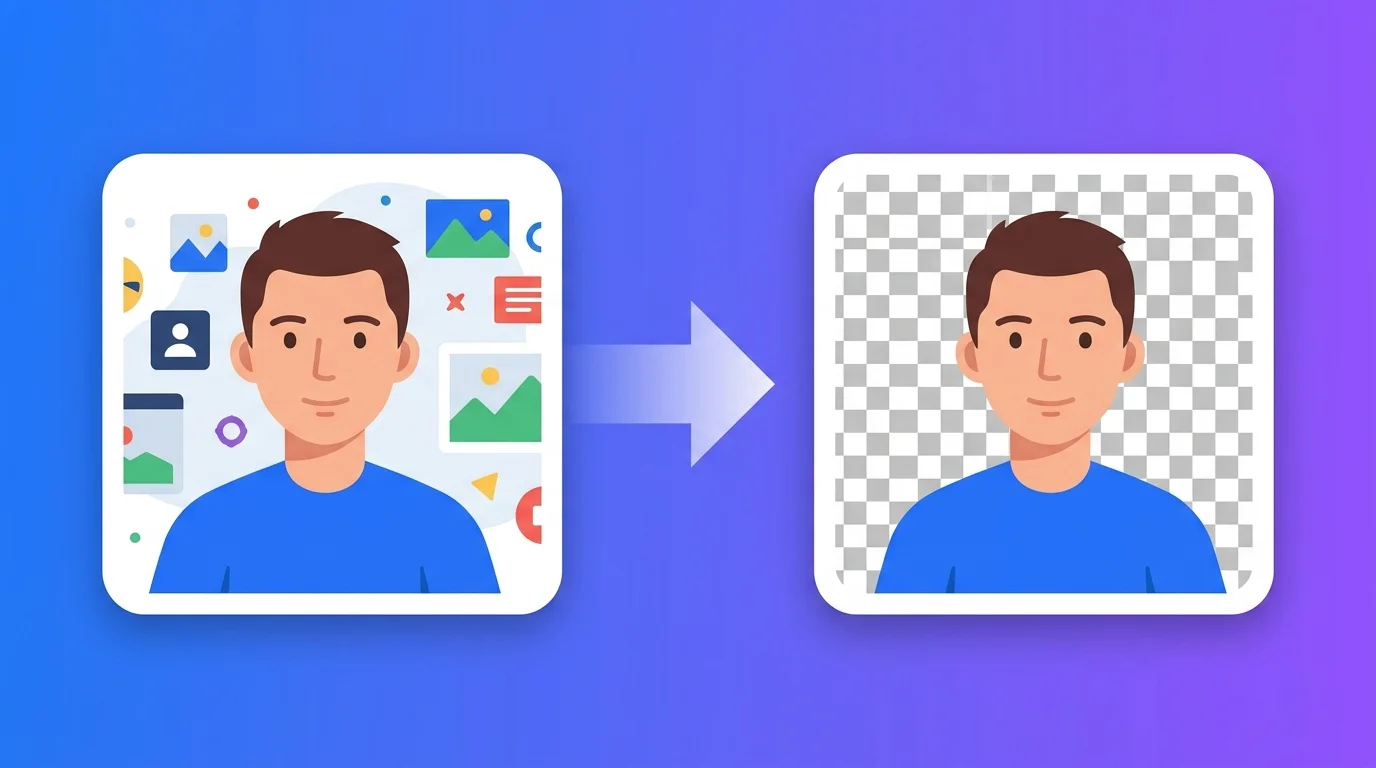
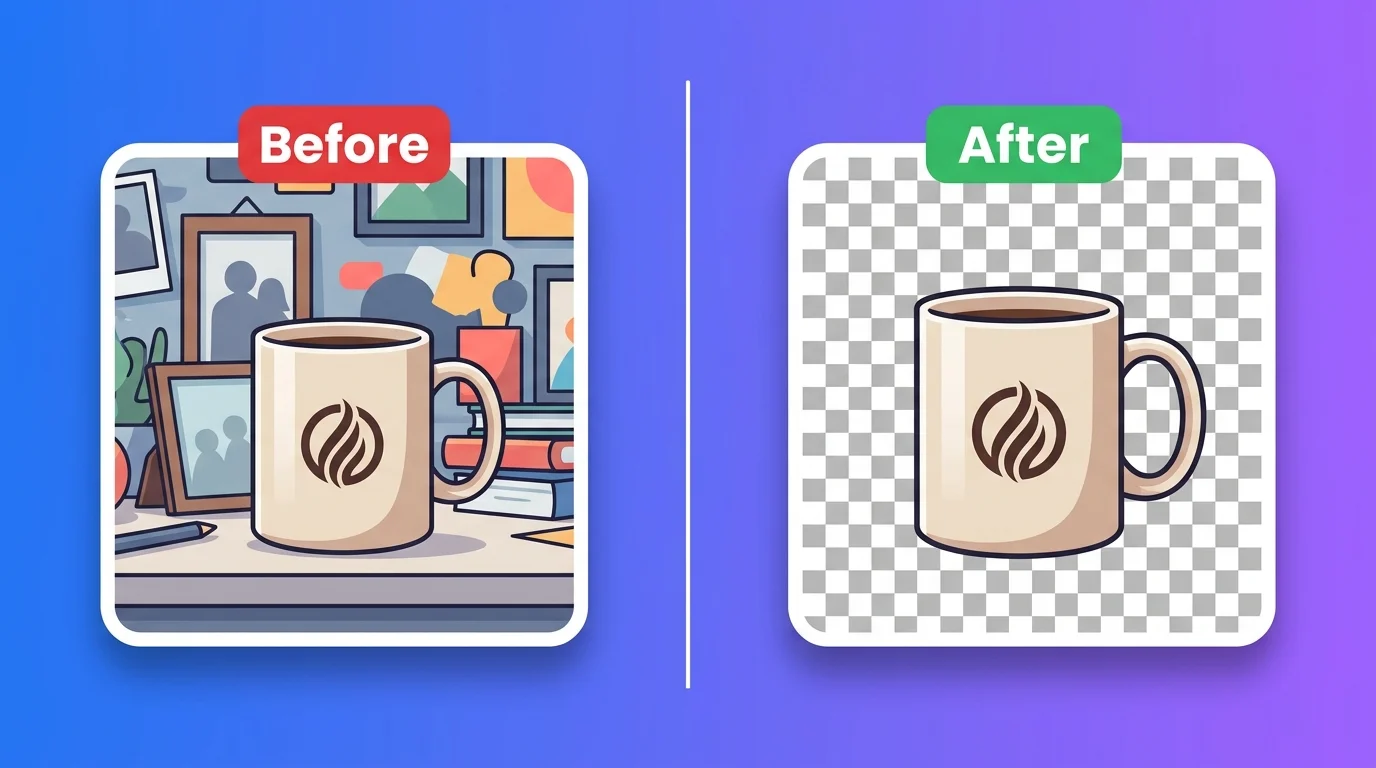
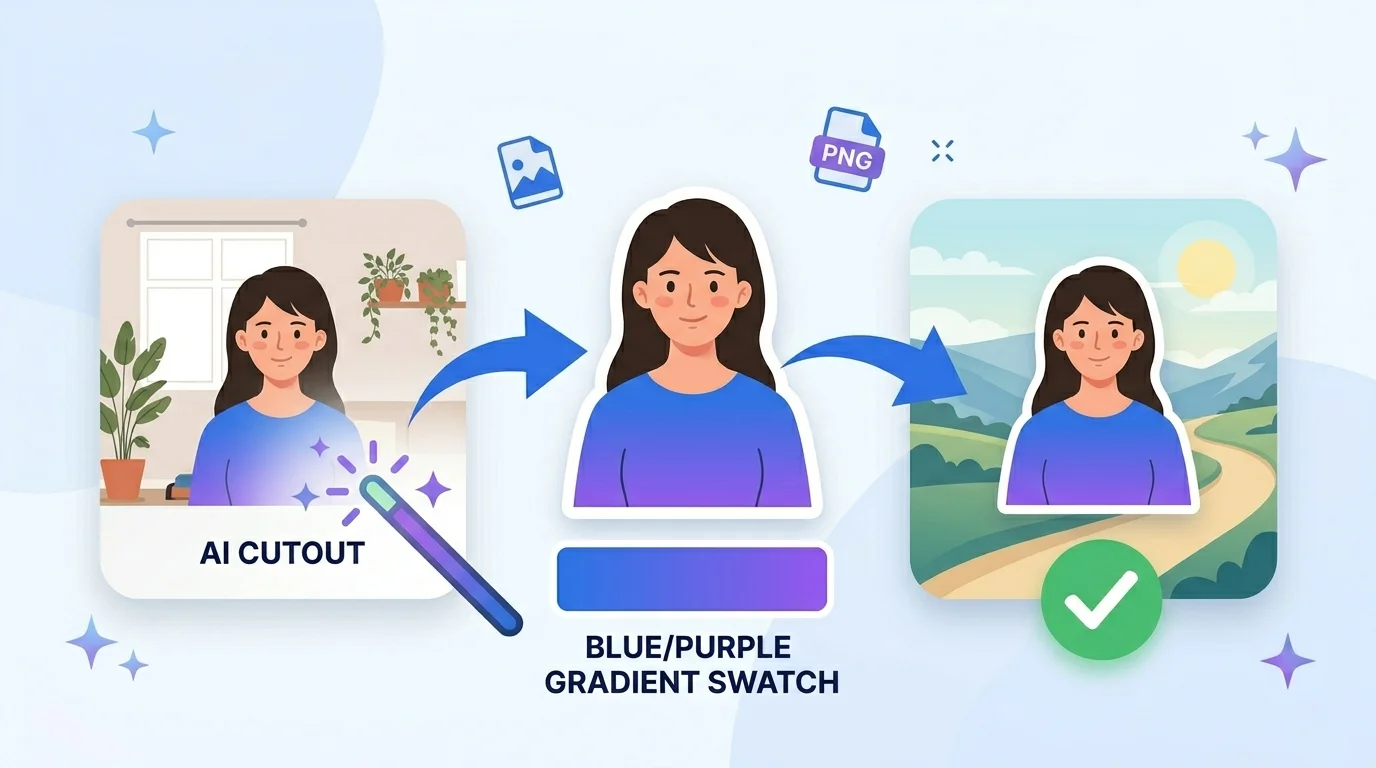
To remove background from image means separating the main subject (a person, product, pet, or signature) from everything behind it. The result is usually a transparent PNG you can place on any new background.
Older methods needed manual “pen tool” tracing in expensive software. This tool uses an AI model that runs in your browser to detect the subject automatically and cut it out in seconds.
Why use this background remover?
1. Speed. Manual cutouts take 5-30 minutes each. This does it in seconds, and you can batch many images at once.
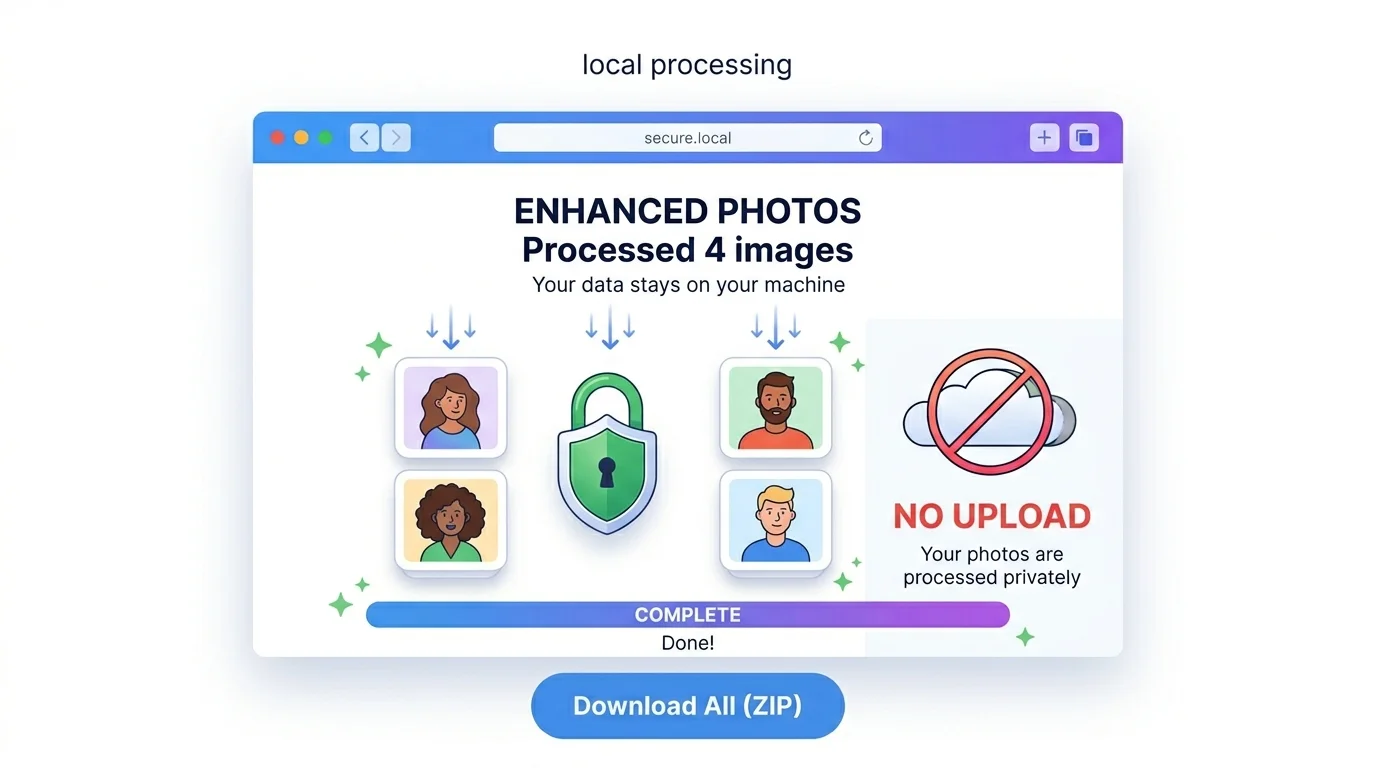
2. Privacy. Unlike most online tools that upload your files to a server, this one runs fully client-side. Your photos never leave your device – ideal for IDs, signatures, and personal pictures.
3. Free and unlimited. No signup, no watermark, no daily cap.
4. Clean edges. Built-in edge smoothing and trim help you get tidy borders around hair, fabric, and fine details.
Who uses it (India + global)
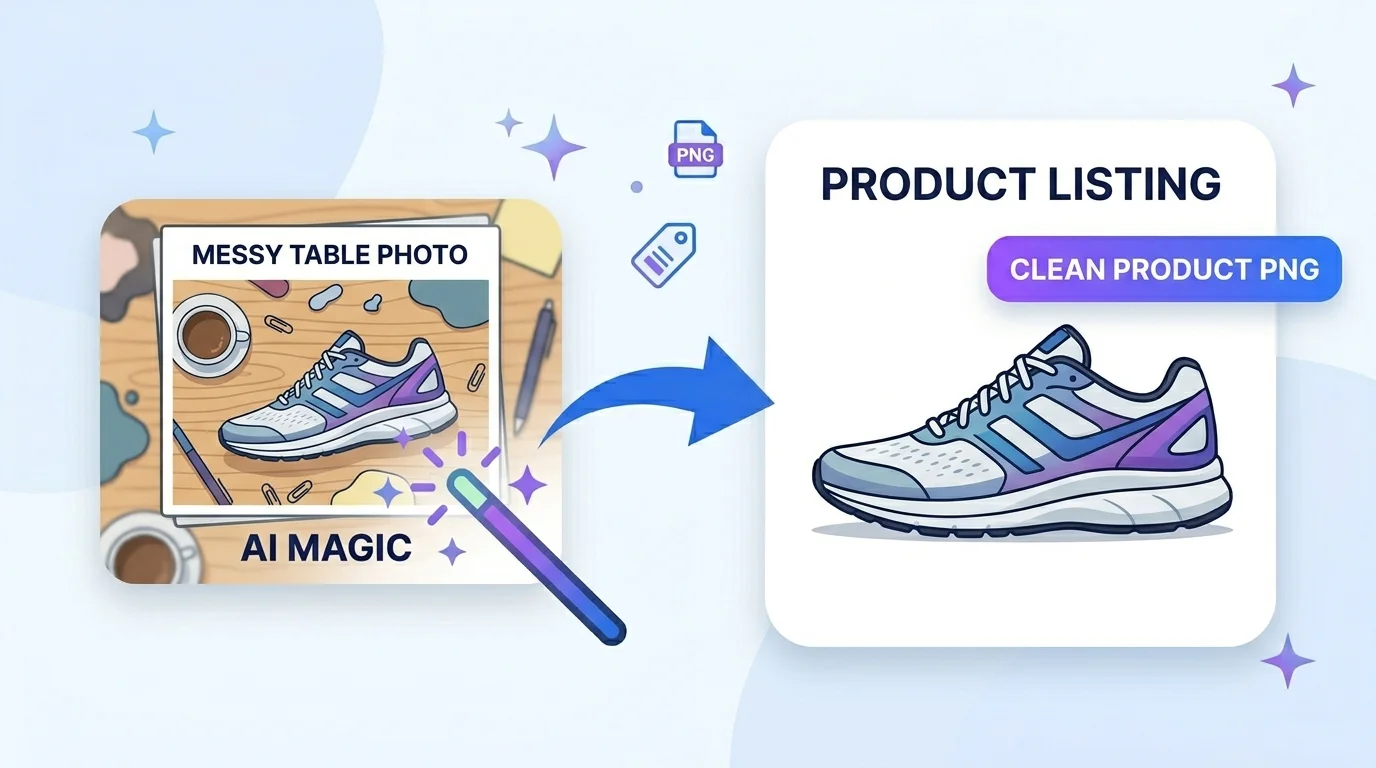
- E-commerce sellers (global + India): white-background product photos for Amazon, Flipkart, Etsy, Shopify, and eBay.
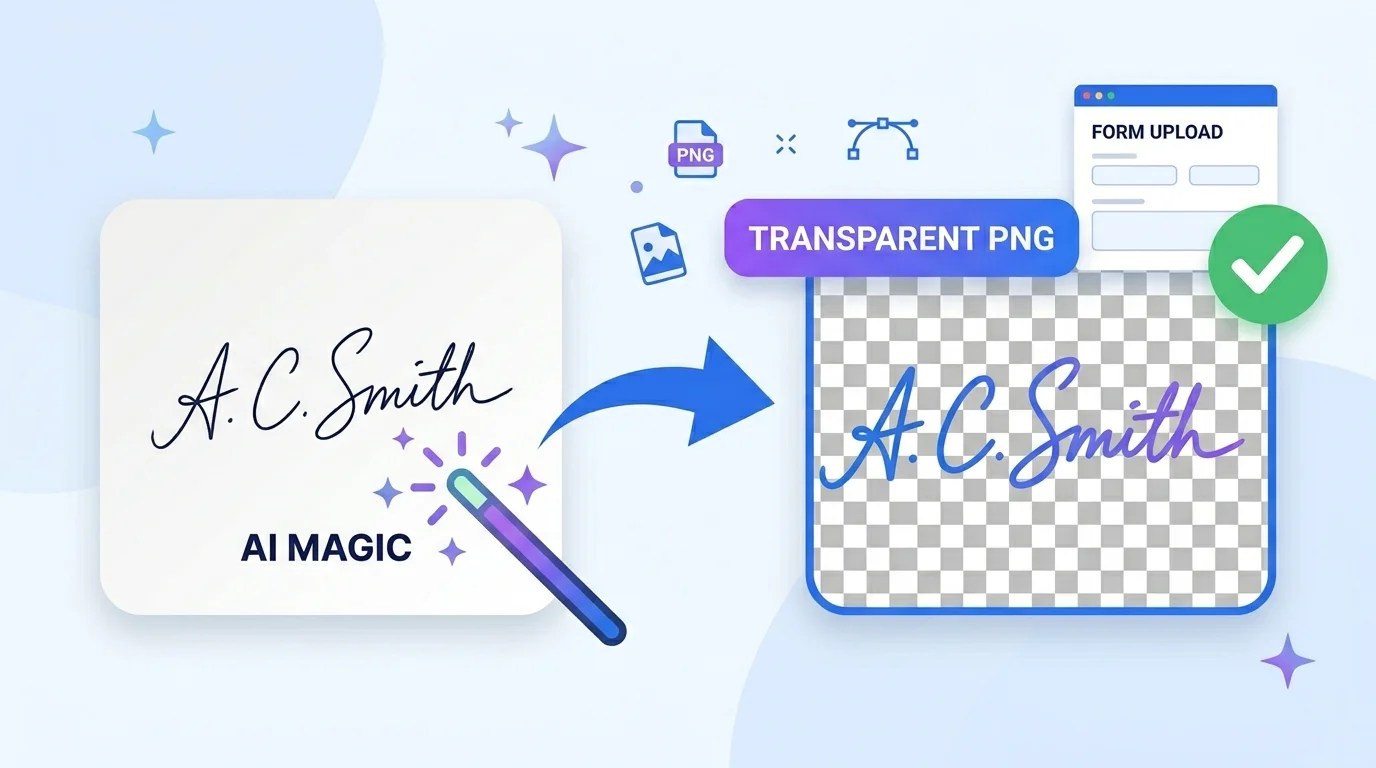
- Exam & government forms (India): remove the background from a signature or photo, then export on a white background for SSC, UPSC, banking, and admission portals.
- Job seekers (global): clean LinkedIn headshots and resume photos.
- Designers & marketers: isolate subjects for posters, thumbnails, and social posts.
- Sticker & merch creators: transparent PNGs for stickers, t-shirts, and planners.
How to remove background from image (step by step)
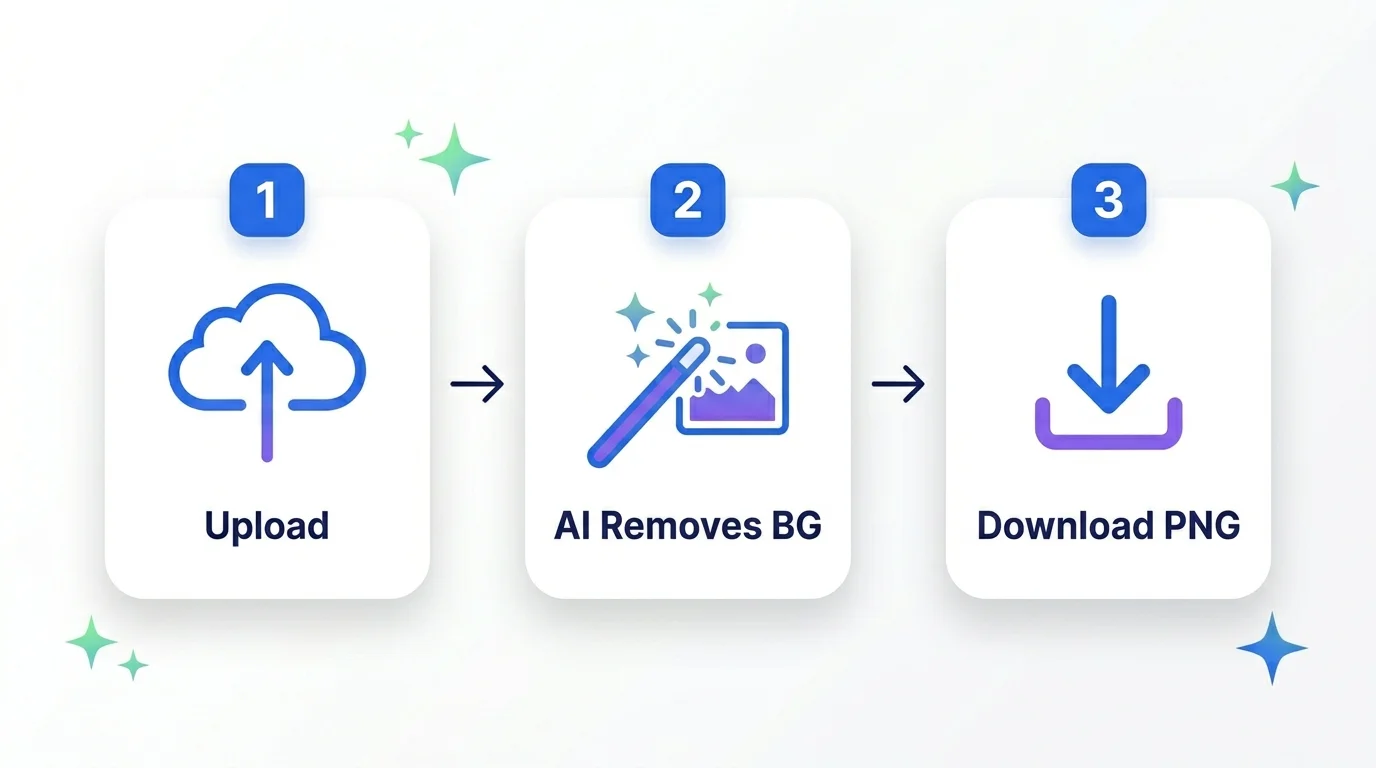
Step 1 – Upload. Drag and drop, or click Select Image Files. You can add several JPG, PNG, or WebP images at once.
Step 2 – Let the AI work. The tool detects the subject and removes the background automatically in your browser.
Step 3 – Refine. Use Edge Smooth for cleaner borders, and toggle Trim to crop tightly around the subject.
Step 4 – Choose output. Keep it transparent (PNG), or pick a solid color or a new background image for PNG/JPG.
Step 5 – Download. Save one image, or use Download All to get the whole batch as a ZIP.
Quick reference - which output to pick
- PNG (transparent): best for logos, stickers, and placing on any background.
- PNG (solid background): transparent-quality edges with a chosen background color.
- JPG (solid background): smallest size for forms and listings that need a white background.
Tips for the cleanest cutout
- Use a photo where the subject stands out from the background (good contrast).
- Bright, even lighting reduces shadow mistakes.
- A slightly blurred background helps the AI find the subject.
- Start from the original file, not a low-quality screenshot.
Frequently Asked Questions
Q: Is it really free to remove background from image here? Yes – completely free, no signup, no watermark, and no limits.
Q: Are my images uploaded to a server? No. The AI runs in your browser, so your photos never leave your device.
Q: Can I remove the background from a signature for a form? Yes. Remove the background and export a transparent PNG or a white background, ready for bank and exam forms.
Q: Can I make a white background photo for Amazon or a passport-style photo? Yes. Choose a solid background and pick white.
Q: Can I remove backgrounds from many images at once? Yes. Upload a batch, preview each result, and download them all as a ZIP.
Q: What formats are supported? JPG, PNG, and WebP in; PNG (transparent or solid) or JPG out.
Q: Do I need Photoshop or any software? No. It works in any modern browser on phone or computer.
Closing
You do not need expensive software to get a clean cutout. With this tool you can remove background from image files in seconds, keep everything private, and download professional transparent PNGs for free. Scroll up and try it with your first image.
External reference: link the phrase “transparent PNG” to the Wikipedia PNG article (https://en.wikipedia.org/wiki/PNG).
Explore More Tools:-