
Image Compressor Tool
Compress images to an exact KB size — fast, private, and free. No upload.
- 100% Private
- No Upload
- Unlimited
- Mobile-Friendly
Drag & Drop Images Here
Supports JPG, PNG, WebP, and GIF
Batch Queue (0)
Compress Image to 50KB Online — Free & Private
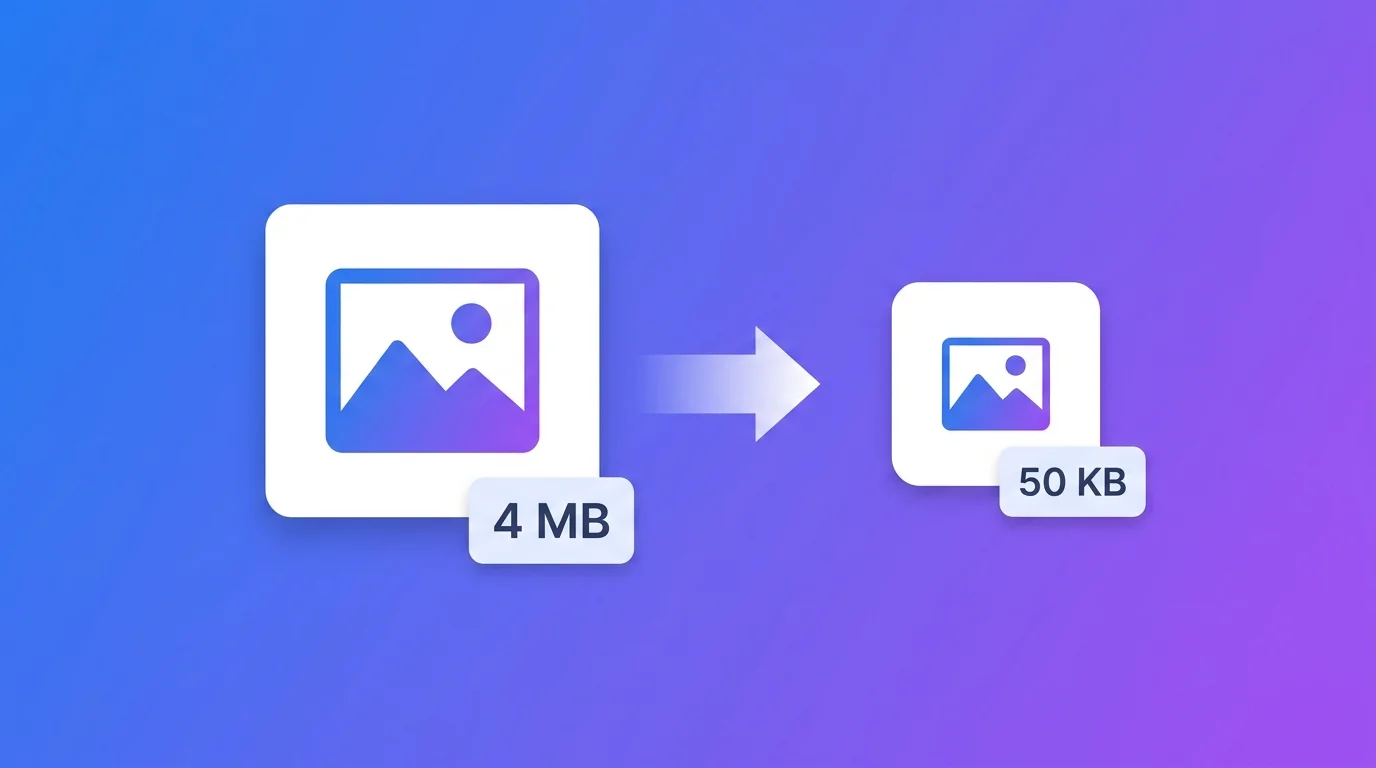
Need to compress image to 50KB for a form, exam, or upload? This free tool reduces your photo to exactly the size you need – right in your browser. Nothing is uploaded to any server, so your images stay 100% private. It’s built for the moment a website says “photo must be under 50KB” and your photo is 4MB.
Why you may need to compress image to 50KB
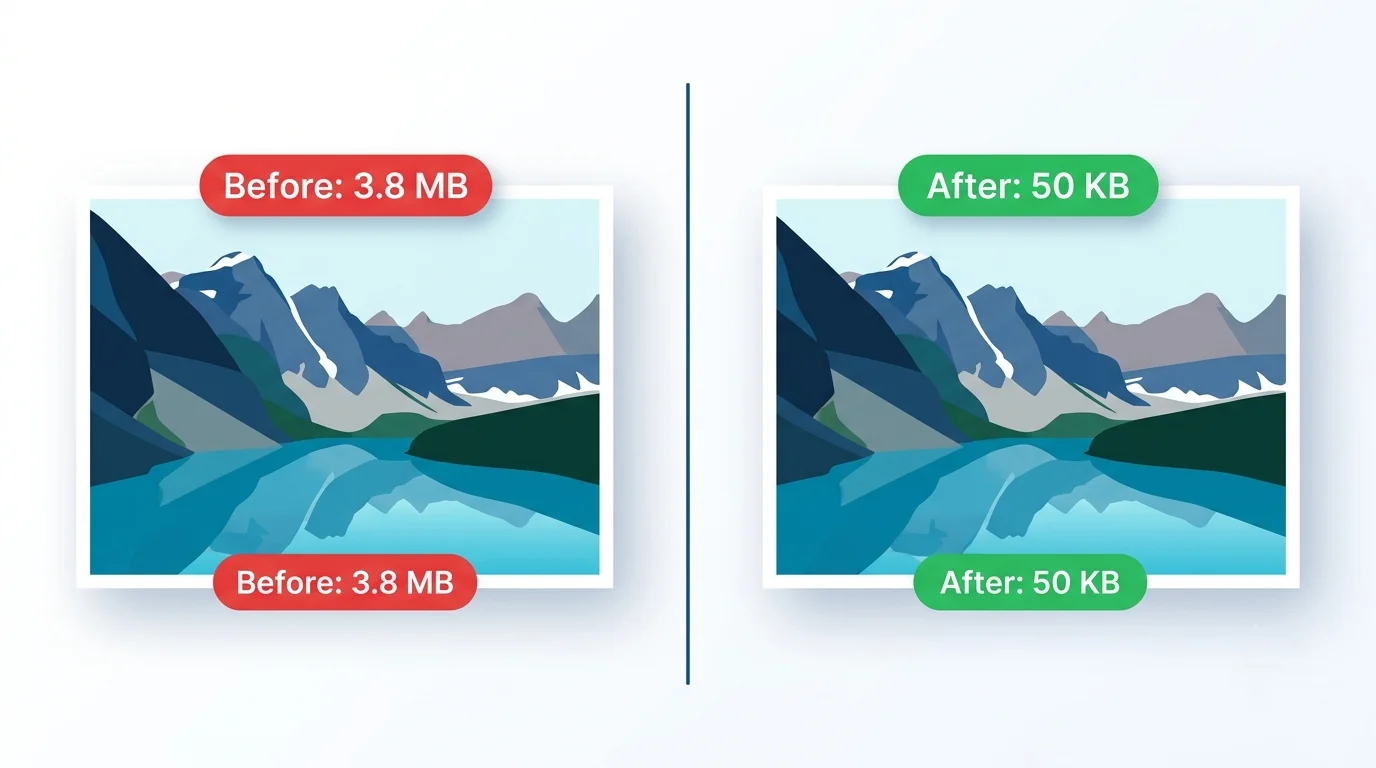
Many websites and forms set strict upload limits, and 50KB is one of the most common. If your file is even slightly over, the form rejects it. Real examples:
- India — exam & government forms: SSC, UPSC, Railway and banking forms often need a photo around 20-50KB and a signature 10-20KB.
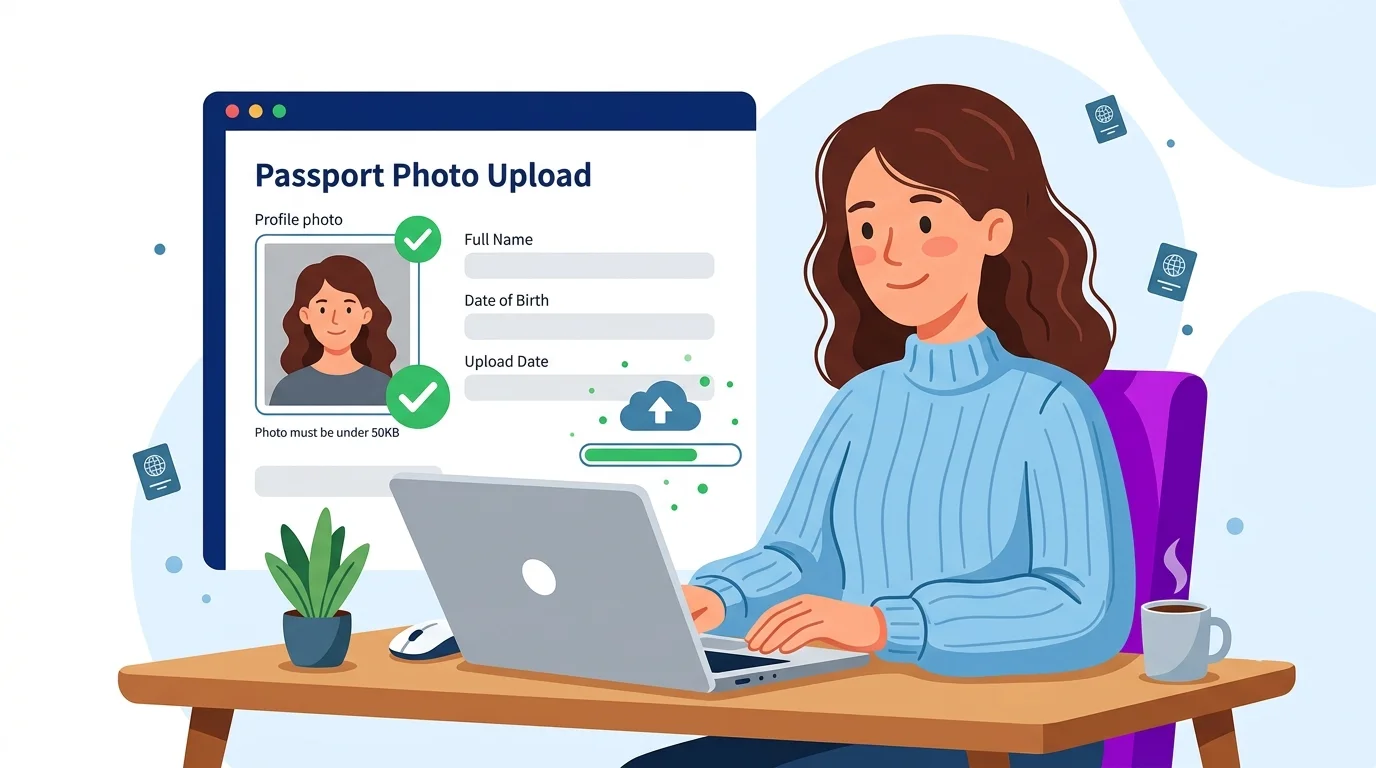
- Global — passport & visa portals: many require a photo under a fixed KB size.
- Job & admission portals: resume photos and ID uploads with size caps.
- Email & web: attachments and website images that load fast.
A normal “make it smaller” tool only guesses. This tool lets you set the exact KB and hits it automatically.
How to compress image to 50KB (step by step)
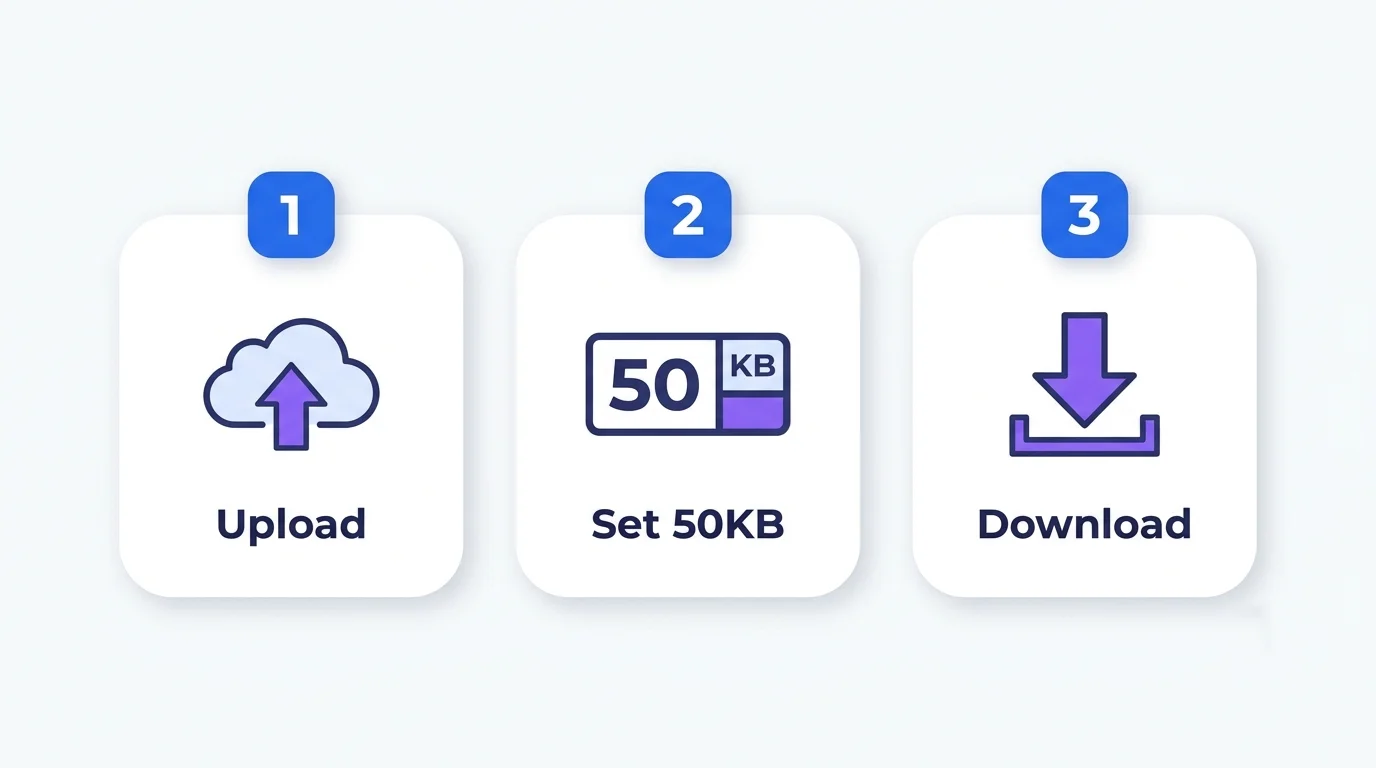
- Upload your image — drag & drop, or click Browse. JPG, PNG, WebP and GIF all work.
- Set the target size to 50 in the Max File Size (KB) box (or tap the 50KB preset).
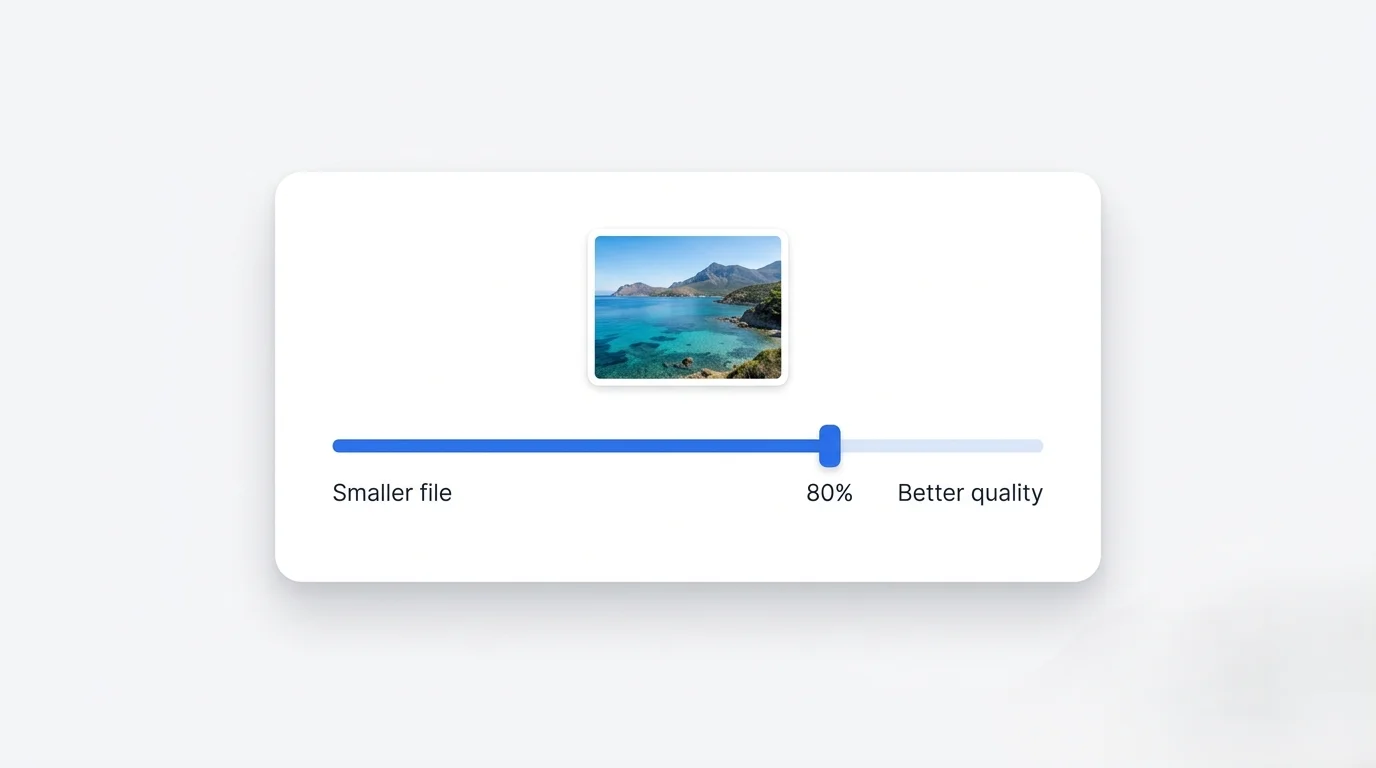
- Adjust quality if you want — higher quality stays closer to the limit but sharper.
- Compress — the tool shrinks your image to fit 50KB.
- Download — your image is ready, exactly within the limit.
Other common target sizes (quick guide)
You can set any size, not just 50KB:
- 10-20KB — exam signatures, small form photos
- 20-50KB — most exam/admission form photos
- 50-100KB — visa photos, ID uploads, blog thumbnails
- 100-200KB — product images, blog hero images, email attachments
Why compress in your browser (privacy + speed)
This tool runs entirely in your browser using HTML5. Your image is never uploaded anywhere:
- Your personal documents and photos stay on your device
- No waiting for slow uploads or downloads
- No sign-up, no limits, no watermarks
- Works on phone, tablet and computer
Tips to keep quality while hitting 50KB
- Start from the original photo, not a screenshot or forwarded copy.
- For photos, JPG usually reaches small sizes best.
- If it looks blurry at 50KB, reduce the dimensions first (e.g. width to 600px) — fewer pixels means more quality at the same KB.
- Keep a copy of your original in case you need a different size later.
Frequently Asked Questions
Q: How do I compress image to exactly 50KB? Upload it, set the target to 50KB (or tap the 50KB preset), and download. The tool adjusts compression to land within 50KB automatically.
Q: Can I compress image to 50KB without losing quality? Mostly yes — for typical form photos the change is invisible. If you need sharper results, reduce the image dimensions before compressing.
Q: Is it safe to upload my passport or ID photo here? Yes — your image never leaves your device. All processing happens in your browser.
Q: Which format is best to compress to 50KB? JPG for photos (smallest size); PNG if you need transparency. Most forms accept JPG.
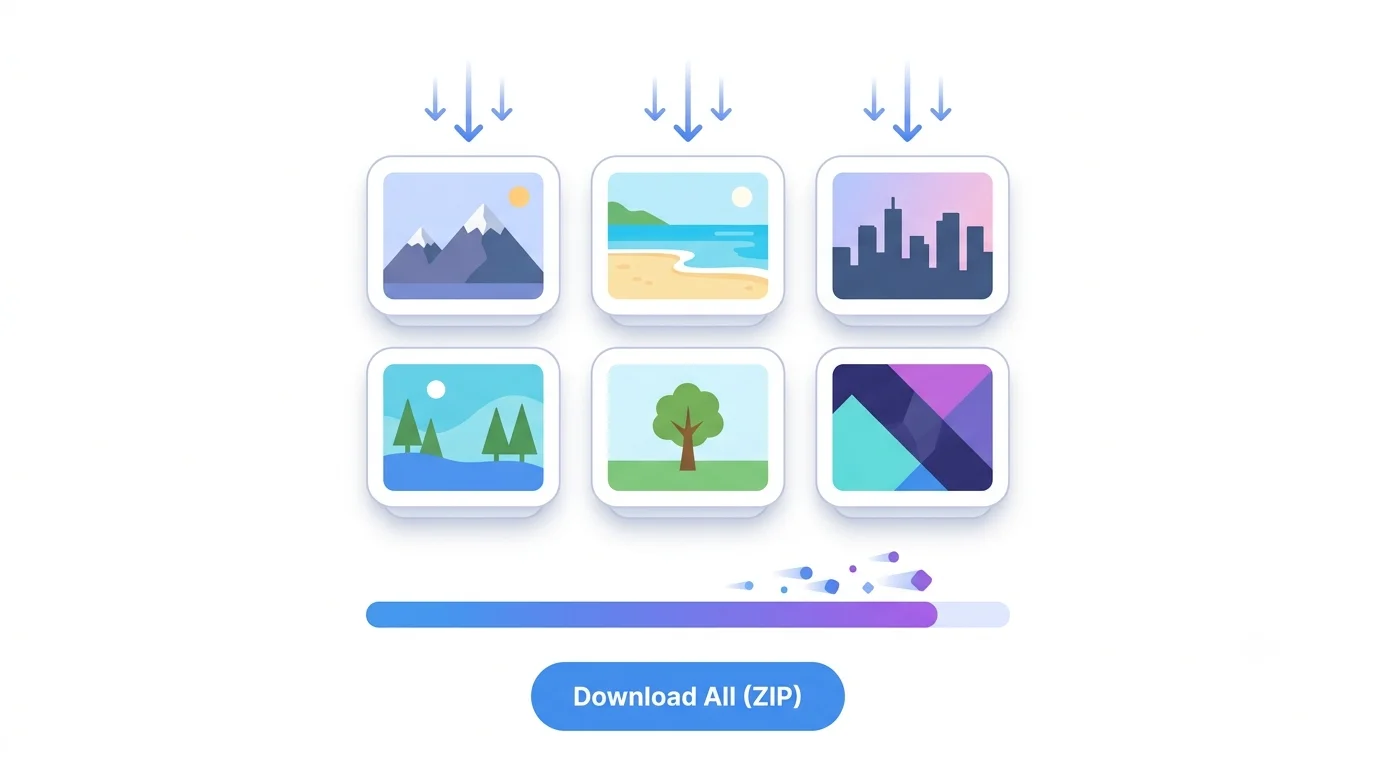
Q: Can I compress many images at once? Yes, the tool supports batch compression and a ZIP download.
Q: Does it work on mobile? Yes, it works in Android and iPhone browsers — no app needed.