
ARW to JPG Converter — Convert Sony RAW to JPG & PNG
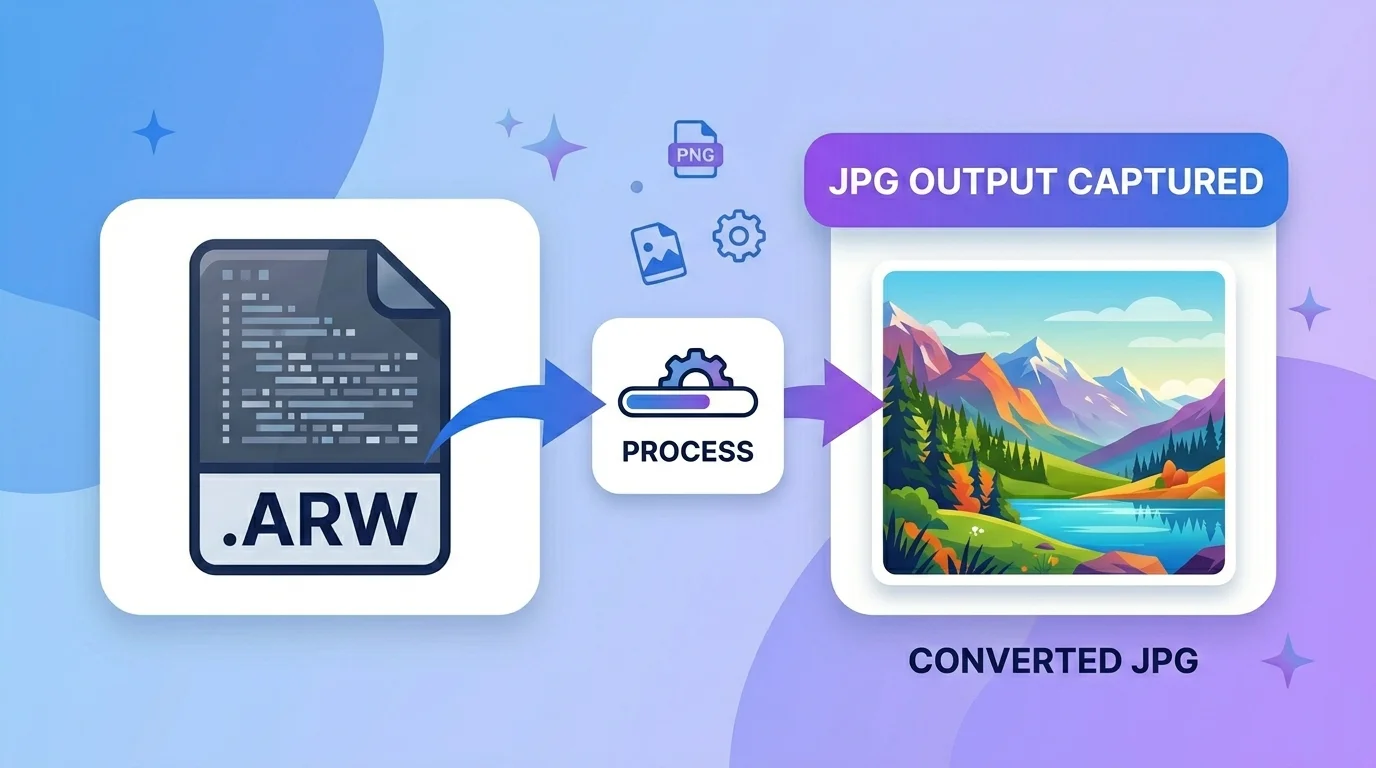
This free ARW to JPG converter turns your Sony RAW (.arw) photos into ready-to-share JPG or PNG images in seconds. Just upload your file, choose your format, and download — no Sony software, Lightroom, or sign-up needed.
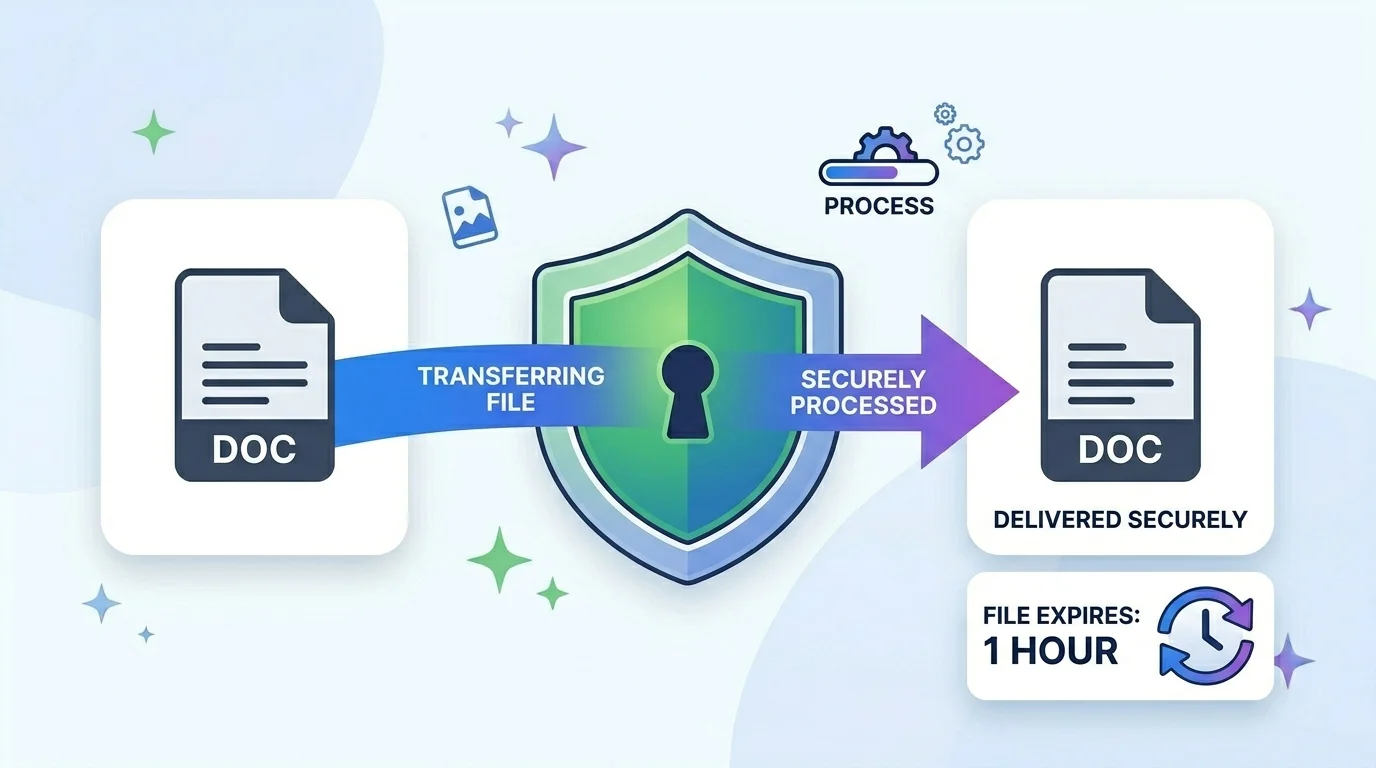
Your file is processed securely on our server and automatically deleted after a few hours, so nothing is kept.
What is an ARW file (and why convert it)?
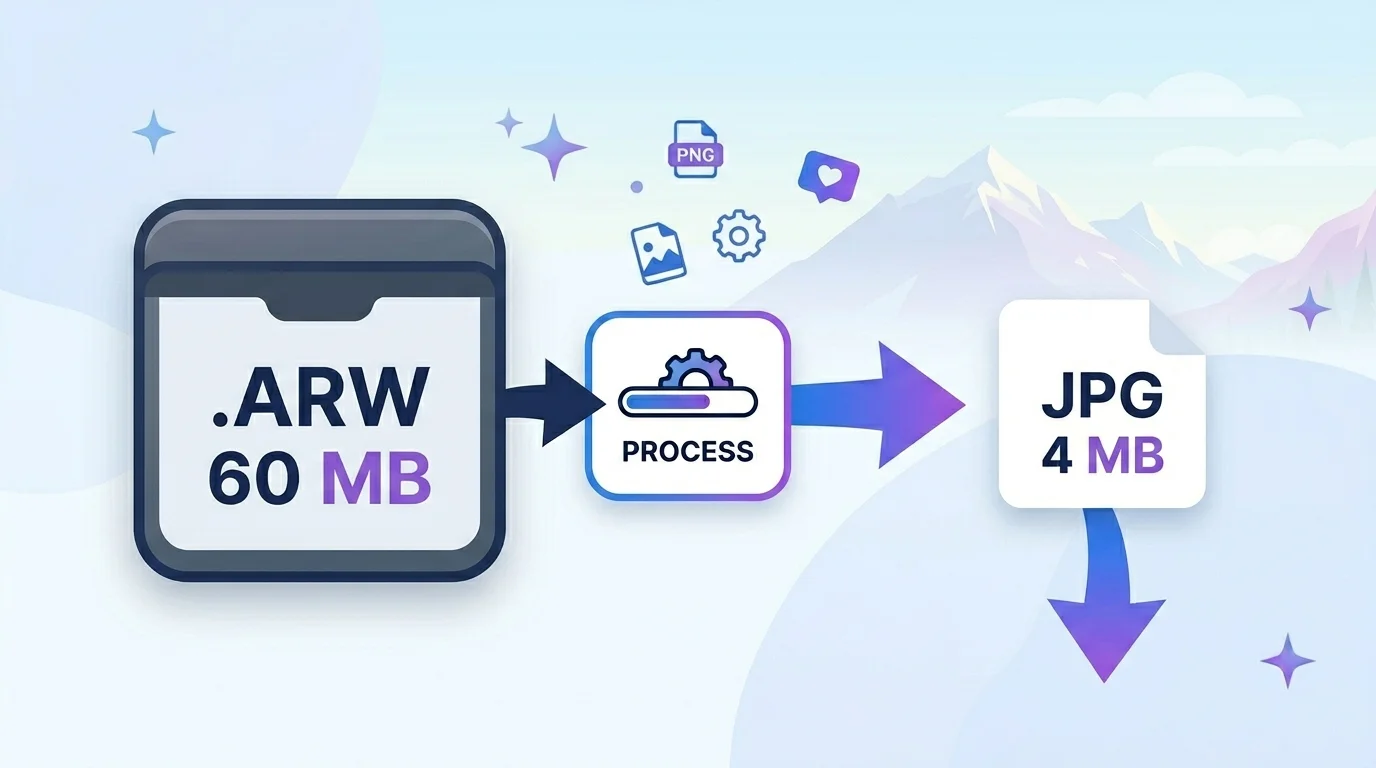
ARW (Alpha Raw) is Sony’s RAW photo format. It stores the full, unprocessed data straight from the camera sensor, which is great for editing but heavy and hard to share.
Most phones, browsers, websites, and messaging apps can’t even open an .arw file. Converting ARW to JPG makes your Sony photos work everywhere, at a much smaller size.
Why use this ARW to JPG converter?
1. No software needed. No Sony Imaging Edge, no Lightroom — it all happens online in your browser.
2. JPG or PNG. Pick JPG for the smallest shareable file, or PNG when you want lossless output.
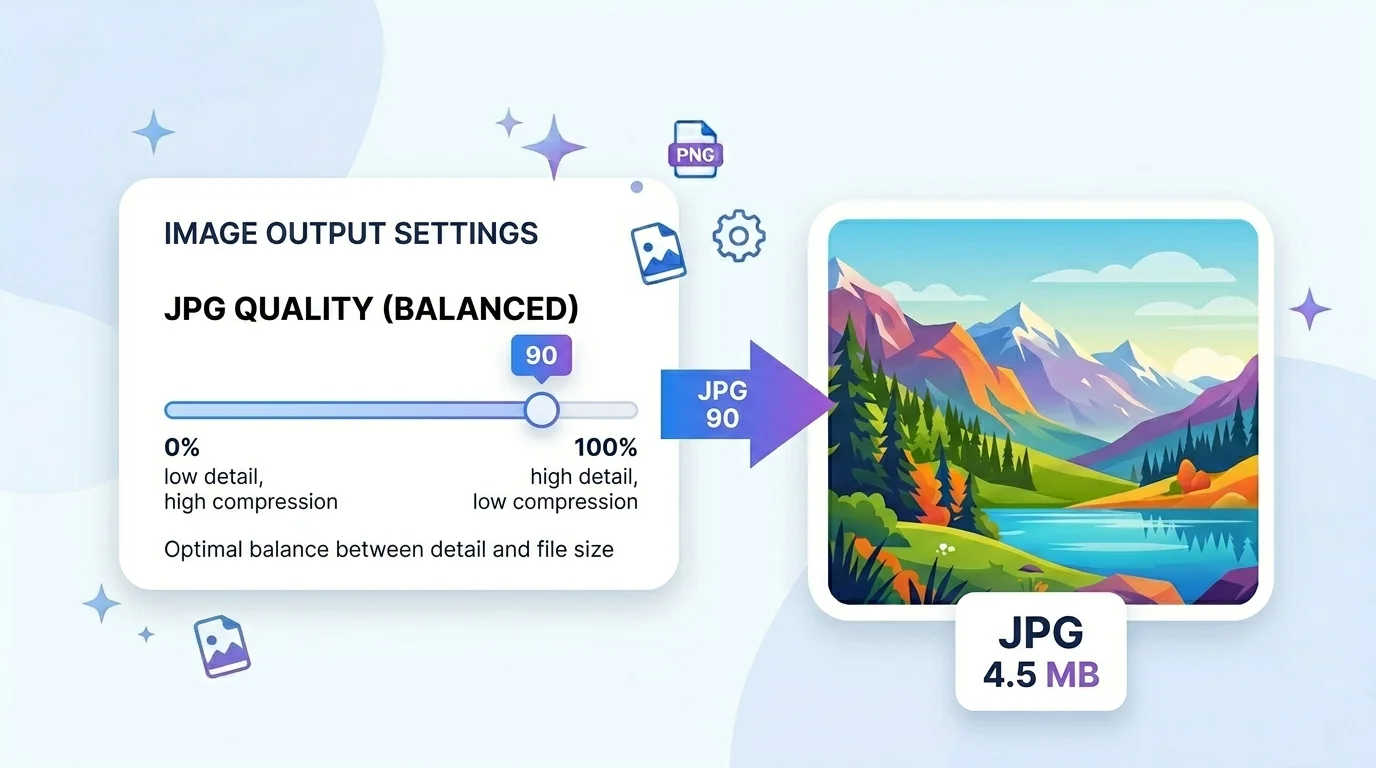
3. Quality control. A JPG quality slider lets you balance file size and detail.
4. Secure & temporary. Your upload is processed over a secure connection and auto-deleted after a few hours — useful for client and event photos.
Who uses it (India + global)
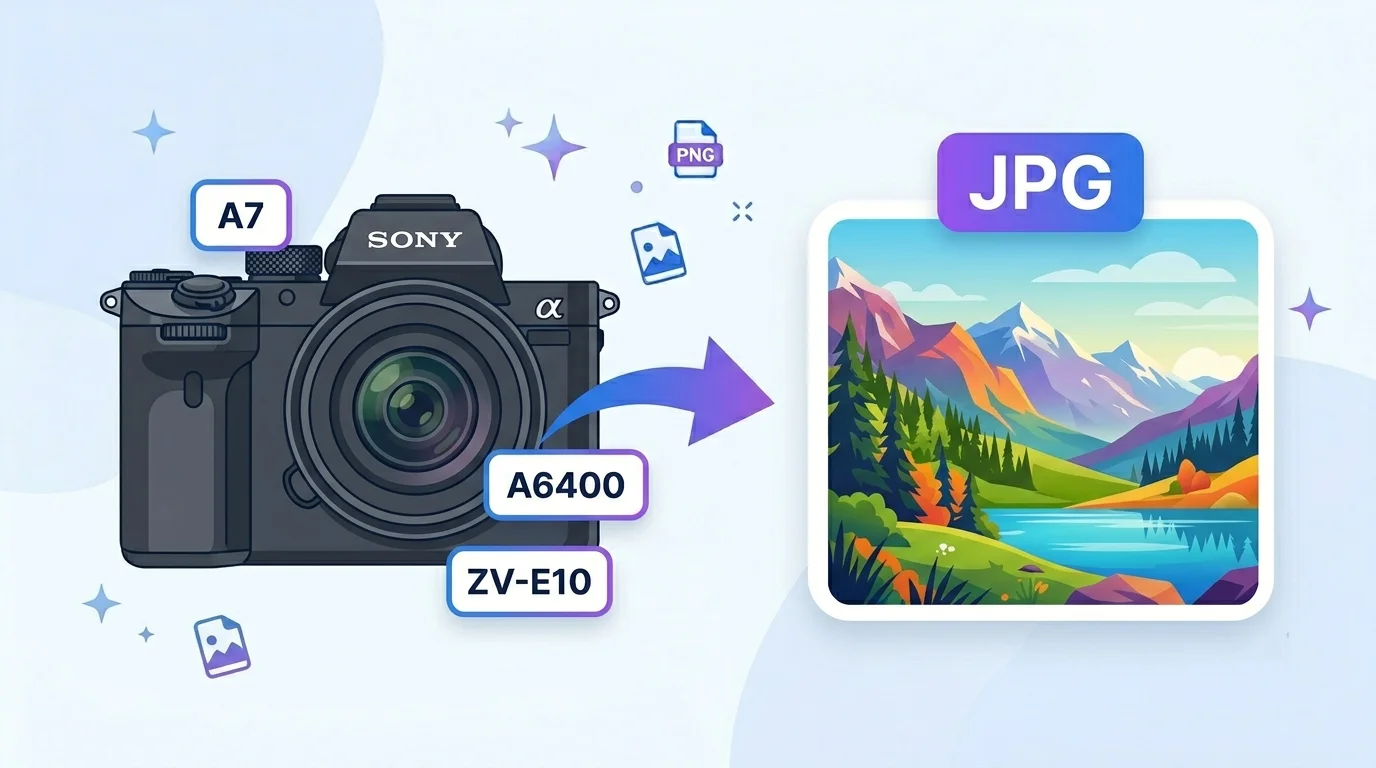
- Sony Alpha photographers (global + India): A7, A7R, A6400, A6700, ZV-E10, RX100 shooters who need shareable JPGs.
- Wedding & event photographers (India + global): quickly turn RAW selects into JPGs for clients and WhatsApp.
- Students & hobbyists: convert Sony RAW shots for assignments, social media, and portfolios.
- Web & e-commerce: get a clean JPG/PNG from a RAW product shot for a listing or site.
How to convert ARW to JPG (step by step)
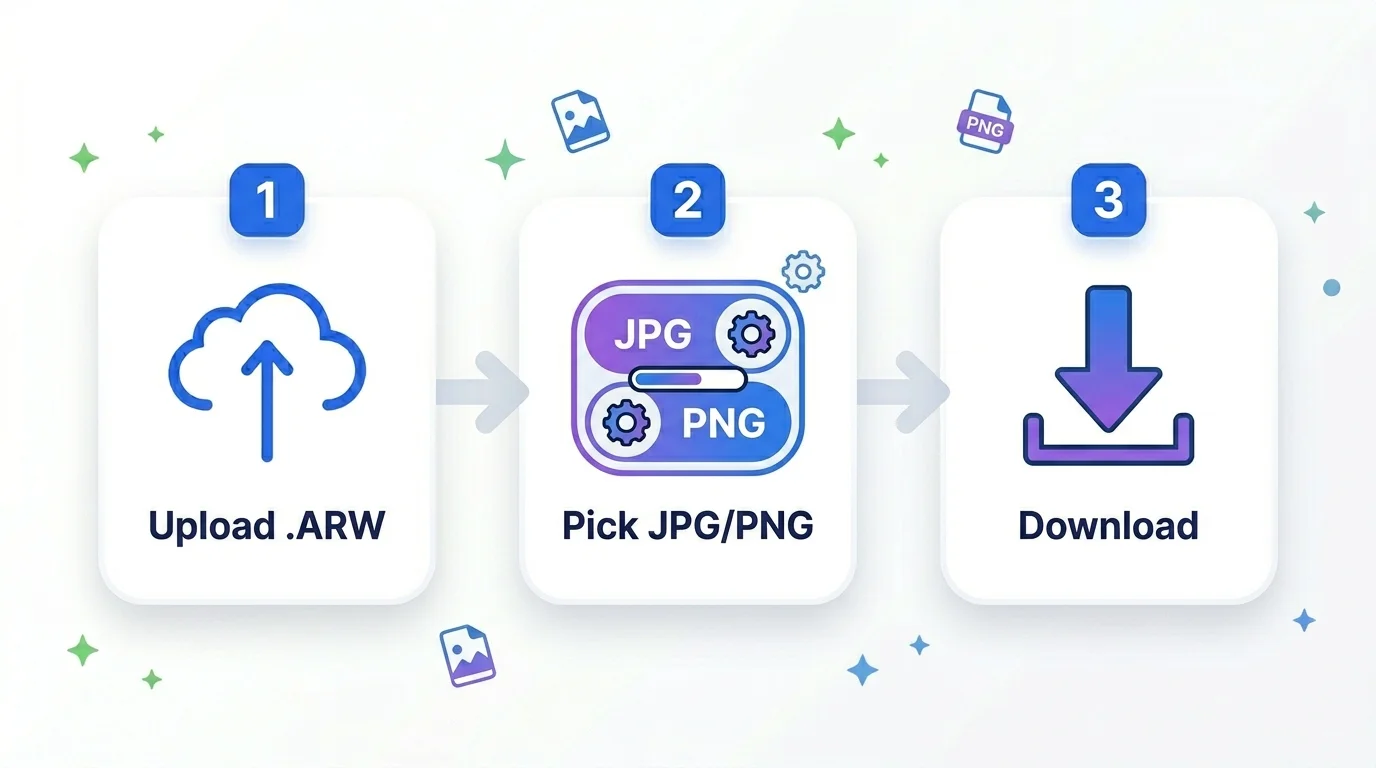
Step 1 — Upload. Drag your .arw file onto the box, or click to choose it.
Step 2 — Pick a format. Choose JPG (smaller, great for sharing) or PNG (lossless).
Step 3 — Set quality (JPG). Use the quality slider — 90 is a great balance.
Step 4 — Convert. Click Convert and wait a moment while it processes.
Step 5 — Download. Preview the result and download your JPG or PNG. You can convert again to the other format without re-uploading.
Quick reference — JPG vs PNG for RAW
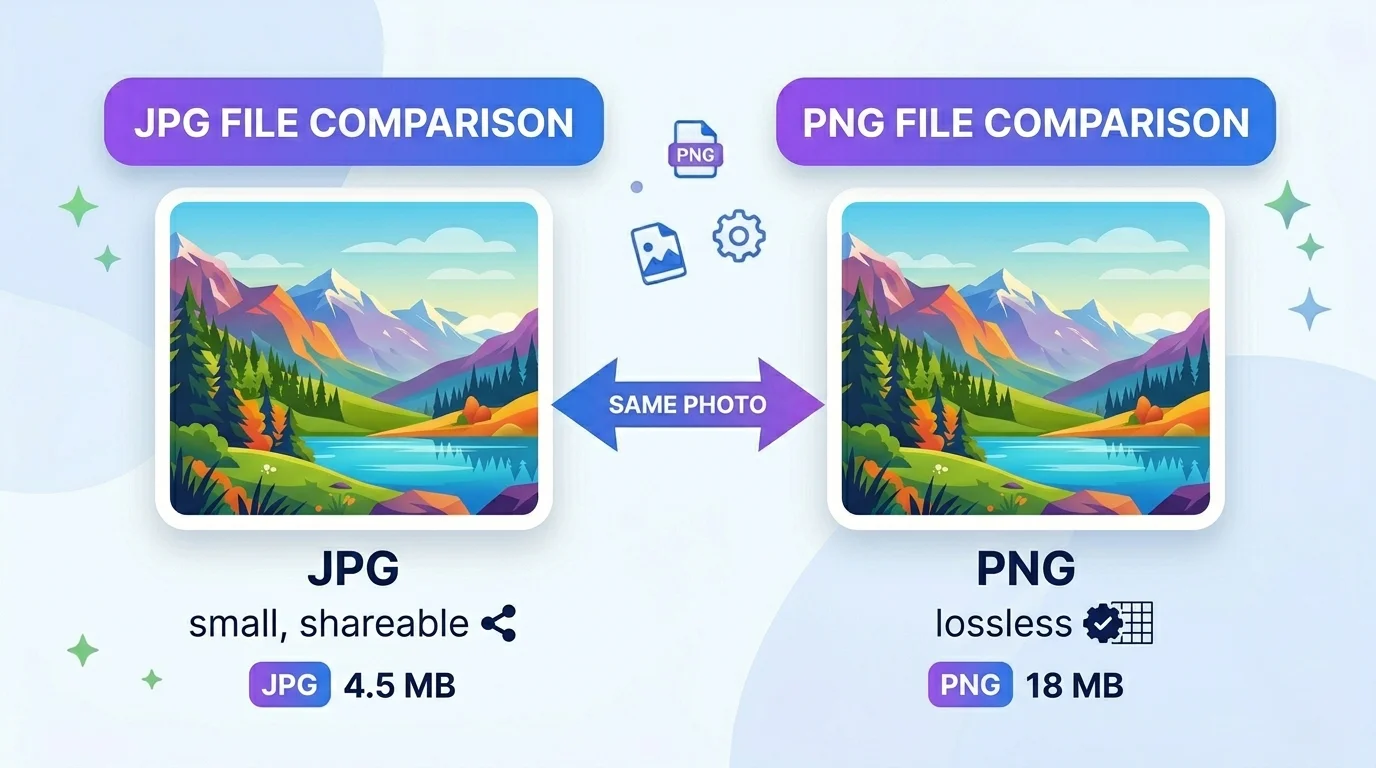
- JPG: smallest size, perfect for sharing, social media, email, and web. Slightly lossy.
- PNG: lossless and larger — choose it when you want maximum quality or a transparent-friendly format. For most Sony photos you want JPG at 85–95 quality.
Tips for the best conversion
- Keep your original ARW — JPG is for sharing, not re-editing.
- Use quality 90+ when the photo matters; lower it for lighter web files.
- After converting, you can compress the JPG further or resize it with our other tools (linked below).
- Very large RAW files take a little longer to process — that’s normal.
Frequently Asked Questions
Q: Is this ARW to JPG converter free? Yes — completely free, with no watermark and no sign-up.
Q: Do you keep my files? No. Your upload is processed securely and automatically deleted after a few hours.
Q: Can I convert ARW to PNG too? Yes — choose PNG instead of JPG before converting.
Q: Will the JPG look as good as the RAW? At quality 90+, the JPG is very close to the original for viewing and sharing. Keep the ARW for professional editing.
Q: Do I need Lightroom or Sony software? No. Everything happens online — just upload and convert.
Q: Which Sony cameras are supported? ARW files from Sony Alpha cameras (A7, A7R, A7S, A9, A1, A6000/A6400/A6700, ZV series, RX100, and more).
Q: Why does conversion take a few seconds? RAW files are large and are decoded on our server for the best quality, then the result is returned to you.
Closing
Whether you shoot weddings, products, or everyday photos on a Sony camera, this ARW to JPG converter gives you a clean, shareable image in seconds — free and secure. Upload your .arw file above to start.
External reference: link “Sony RAW (ARW) format” to the Wikipedia Raw image format page (https://en.wikipedia.org/wiki/Raw_image_format).