Enhance Image Quality Online
Upscale, sharpen, and improve your photos up to 4x — free, private, right in your browser.
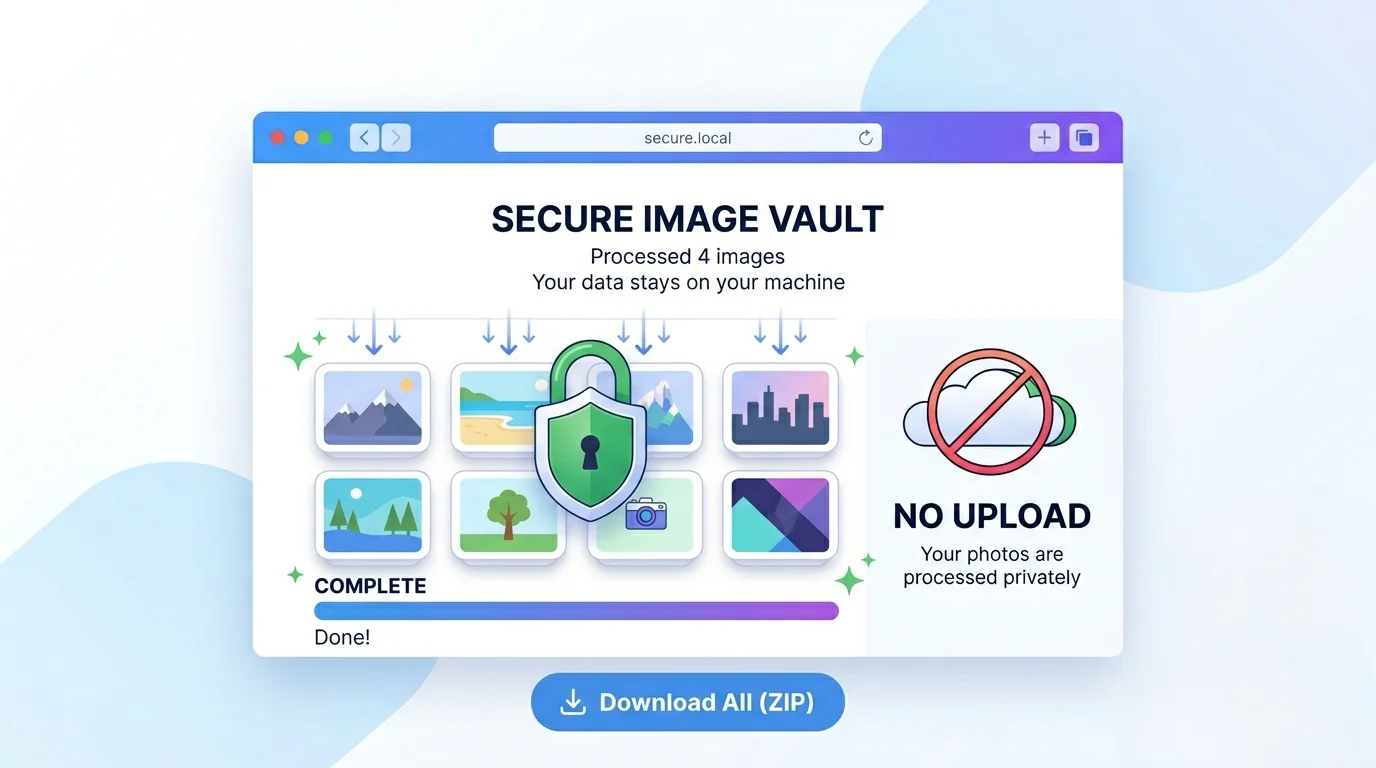
- 100% Private
- Up to 4x
- Unlimited
- Mobile-Friendly
Drag & Drop Images to Enhance
Upload one or many — supports JPG, PNG, WebP
Enhance Image Quality Online - Free Upscaler & Photo Improver
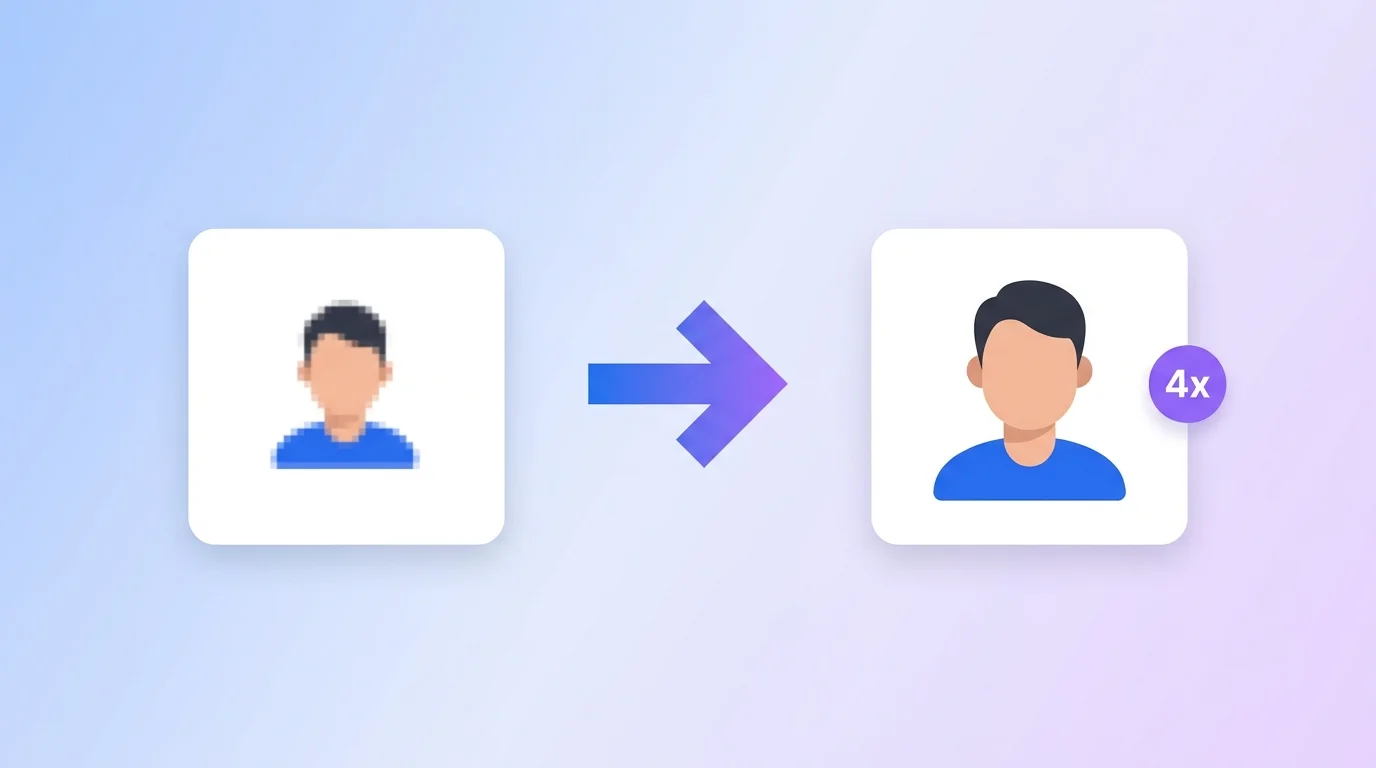
Want to enhance image quality online without installing anything? This free tool lets you upscale a photo up to 4x, sharpen details, and fix brightness, contrast, and color – right in your browser. Nothing is uploaded to a server, so your photos stay private.
What this image enhancer does
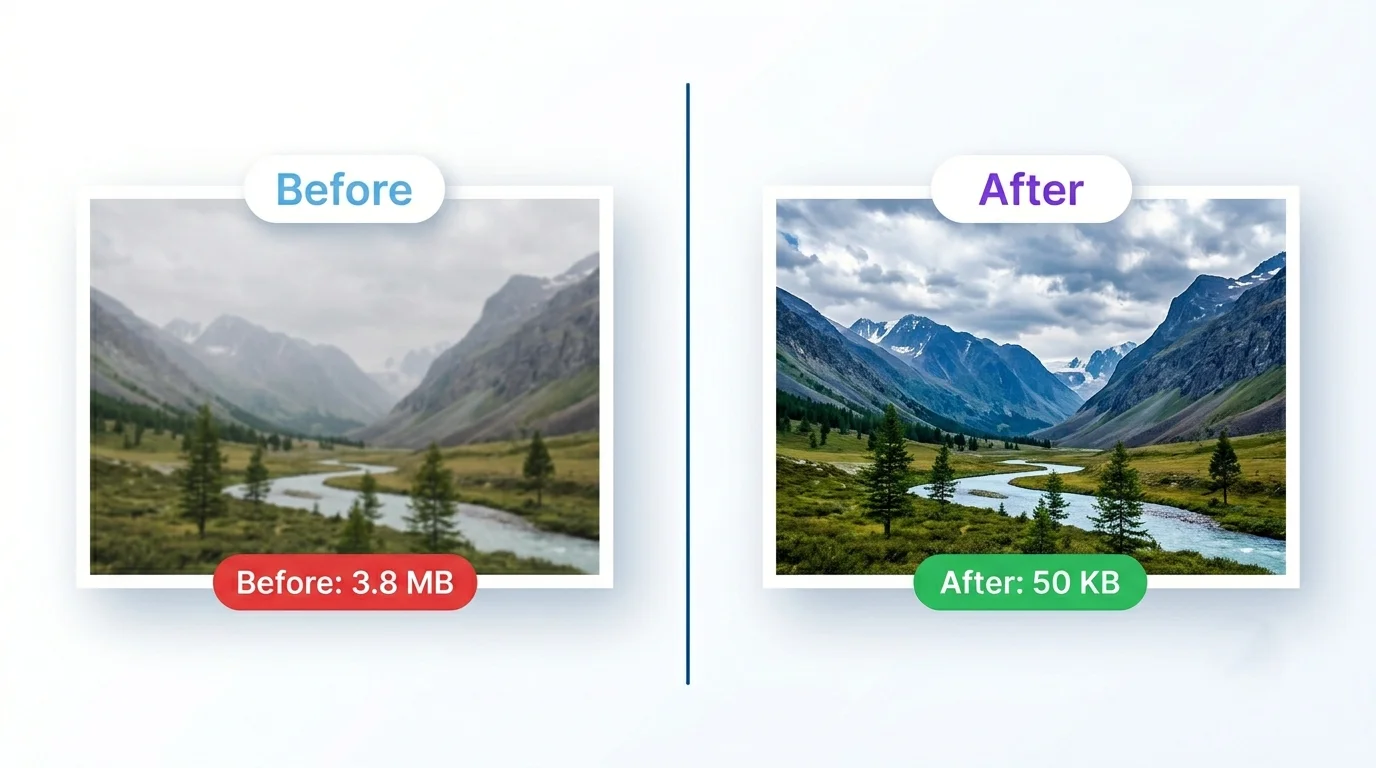
This is a fast, browser-based photo improver. It enlarges your image up to 4x using high-quality scaling, then lets you fine-tune it:
- Upscale to 2x or 4x for bigger, higher-resolution output.
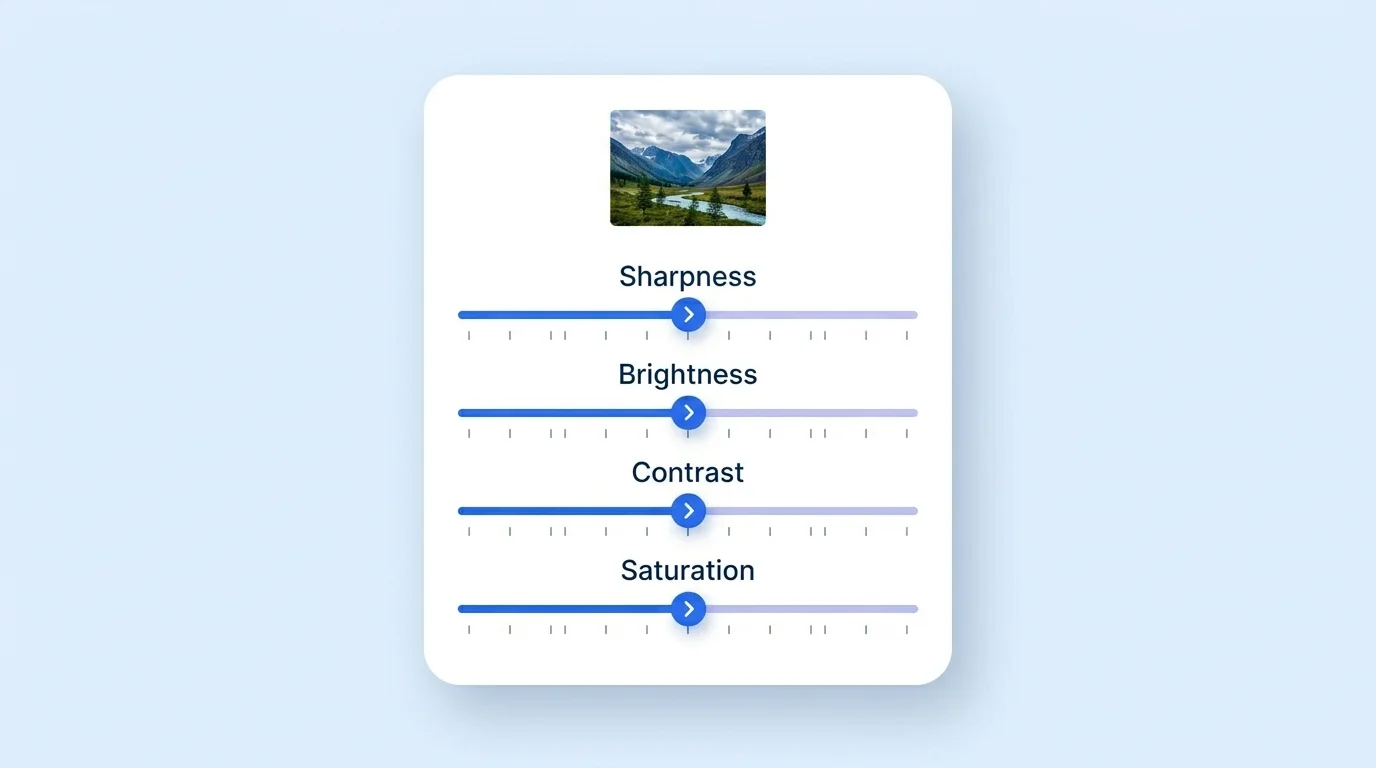
- Sharpen to recover soft, fuzzy detail.
- Brightness & contrast to fix dull or dark photos.
- Saturation to make colors pop (or tone them down). Honest note: it improves and enlarges your existing photo – it doesn’t invent detail that was never captured, so start with the best original you have.
Why enhance image quality online (India + global uses)
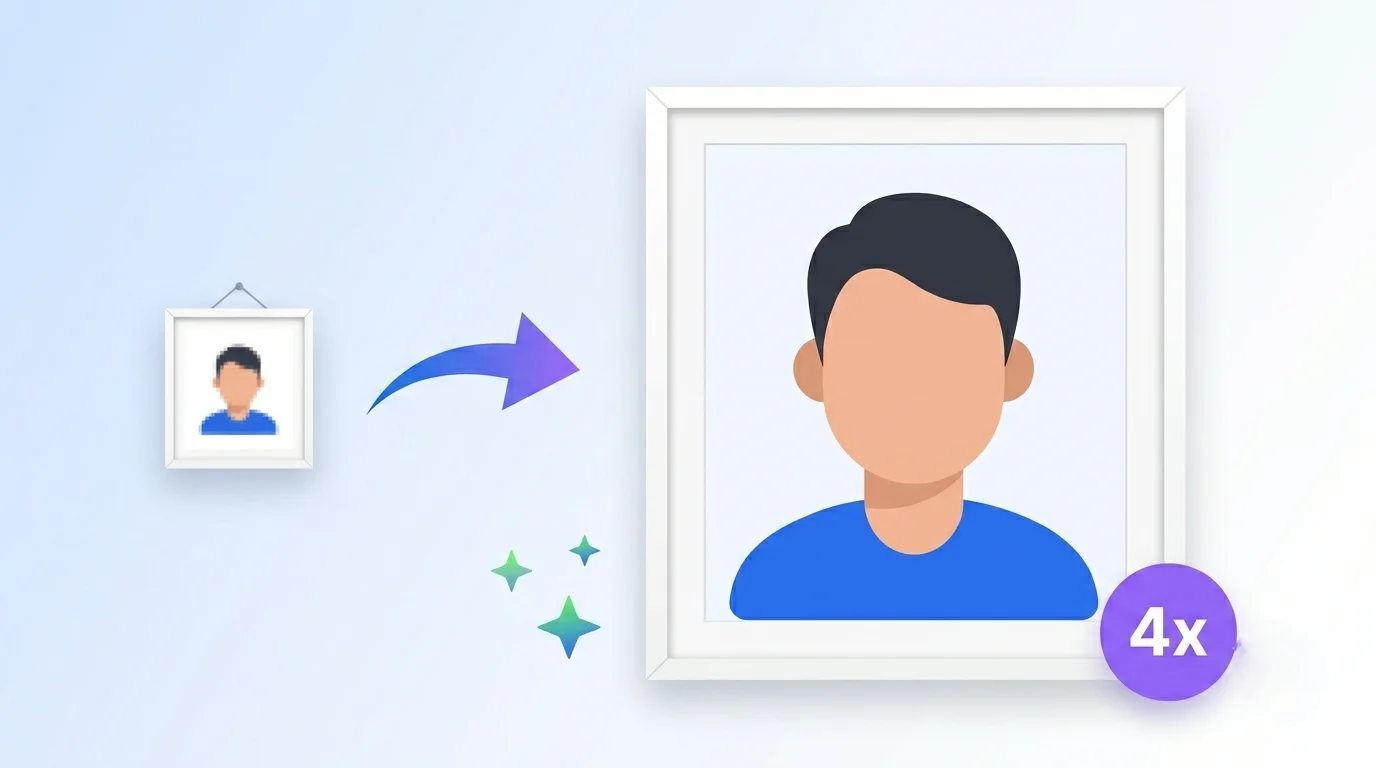
- Printing (global + India): enlarge a small photo so it prints clear instead of blocky.
- E-commerce & social: sharpen product shots, Instagram posts, and profile pictures.
- Old photos: brighten and sharpen low-resolution snaps from old phones.
- Web design: upscale a small graphic, then save as WebP for fast loading.
How to enhance image quality online (step by step)
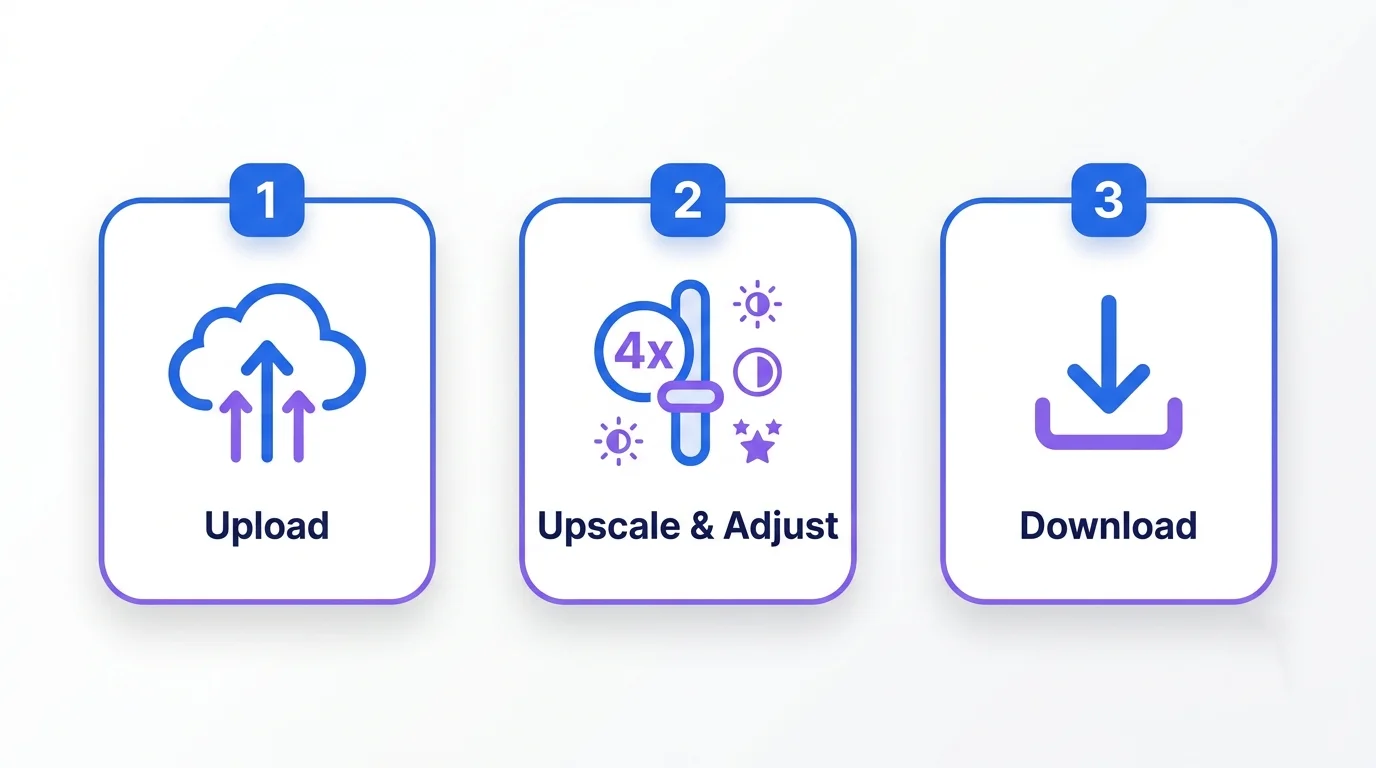
- Upload one or more images (drag & drop or Browse). JPG, PNG, and WebP work.
- Choose upscale – 1x, 2x, or 4x.
- Adjust sharpness, brightness, contrast, and saturation (or tap Auto Enhance).
- Compare with the before/after slider.
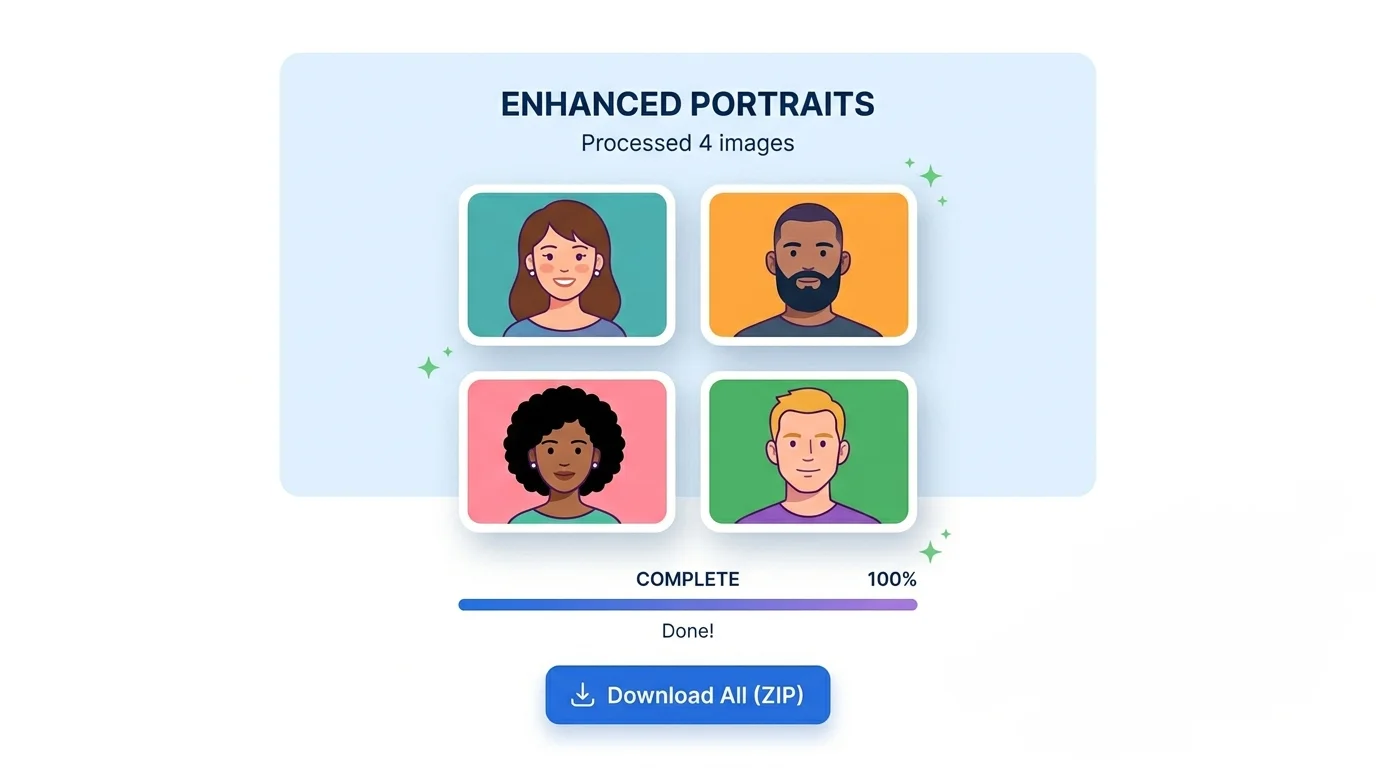
- Download as JPG, PNG, or WebP – or Download All (ZIP) for batches.
Quick tips for the best results
- Start from the original file, not a compressed chat-app copy.
- Don’t over-sharpen – too much creates halos around edges.
- For websites, download as WebP for the best quality-to-size balance.
- For print, use 4x then check the output dimensions shown below the preview.
Frequently Asked Questions
Q: Is this an AI image enhancer? It’s a fast browser-based enhancer that upscales and improves your photo with high-quality scaling, sharpening, and color/brightness controls. It improves the image you give it rather than generating brand-new detail with AI.
Q: Can I enhance image quality online for free? Yes – it’s completely free, with no sign-up, no watermark, and no limits.
Q: Are my photos uploaded anywhere? No. Everything runs in your browser, so your images never leave your device.
Q: How much can I upscale? Up to 4x the original width and height.
Q: Can I enhance many photos at once? Yes – upload a batch, adjust each, and download them all as a ZIP.
Q: Which format should I download? JPG for small photos, PNG for transparency, WebP for the best web quality-to-size.
Q: Will it fix a very blurry photo? It can improve soft or slightly blurry images, but it can’t fully rebuild detail that isn’t there in the original.