
Merge PDF Files in Order
Combine PDFs and images into one file — right in your browser. No upload.
- 100% Private
- No Upload
- Unlimited
- Mobile-Friendly
.pdf added if missing
Merge PDF Files in Order - Free & Private PDF Merger
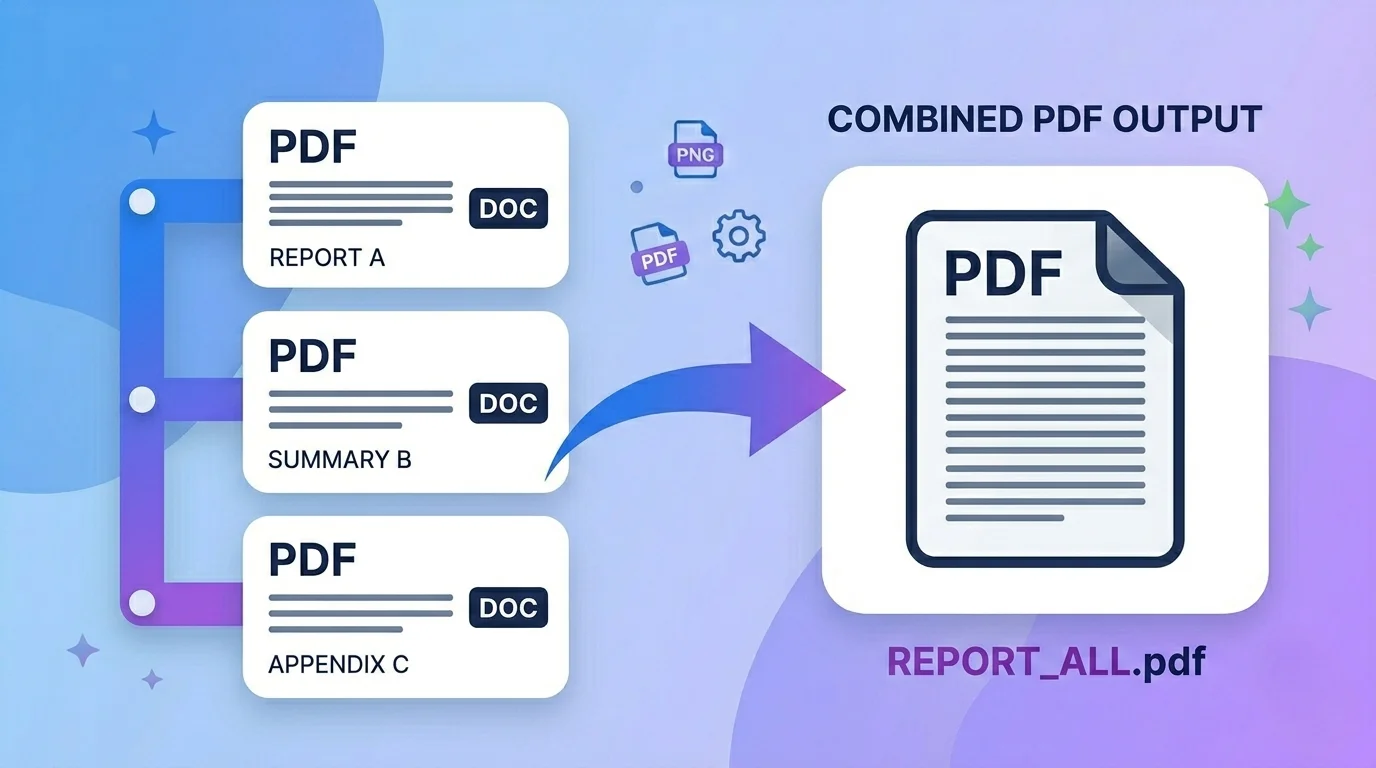
This free tool lets you merge PDF files in order – drag the pages into the exact sequence you want, then combine them into one clean PDF. It all happens in your browser, so your files are never uploaded to any server.
No signup, no watermark, and no quality loss – your documents stay private on your device.
What does it mean to merge PDF files in order?
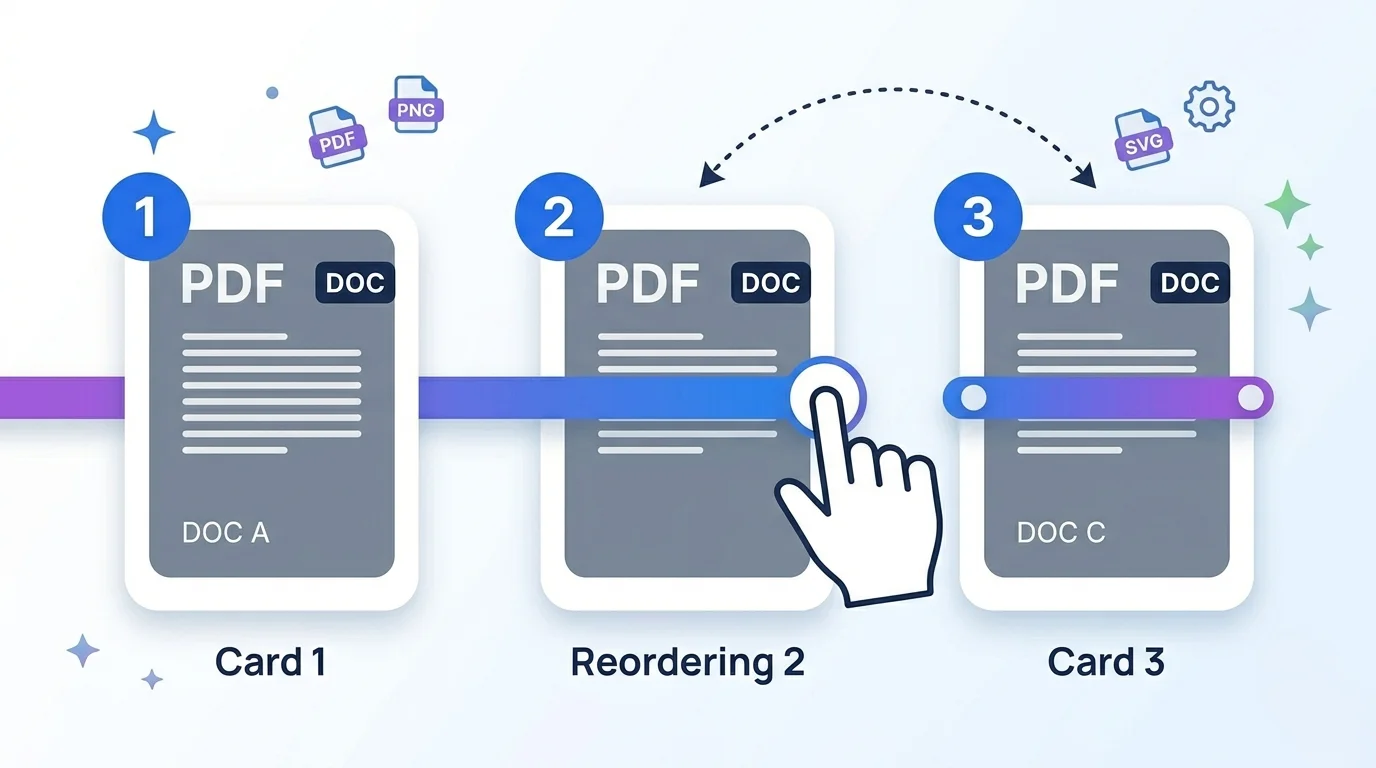
Merging means joining several PDFs into one file. The “in order” part matters: the sequence of your documents decides how the final PDF reads.
With this tool you see each PDF as a visual card, then drag the cards to set the exact order before you merge – so page 1 of your final file is exactly what you want.
Why use this PDF merger
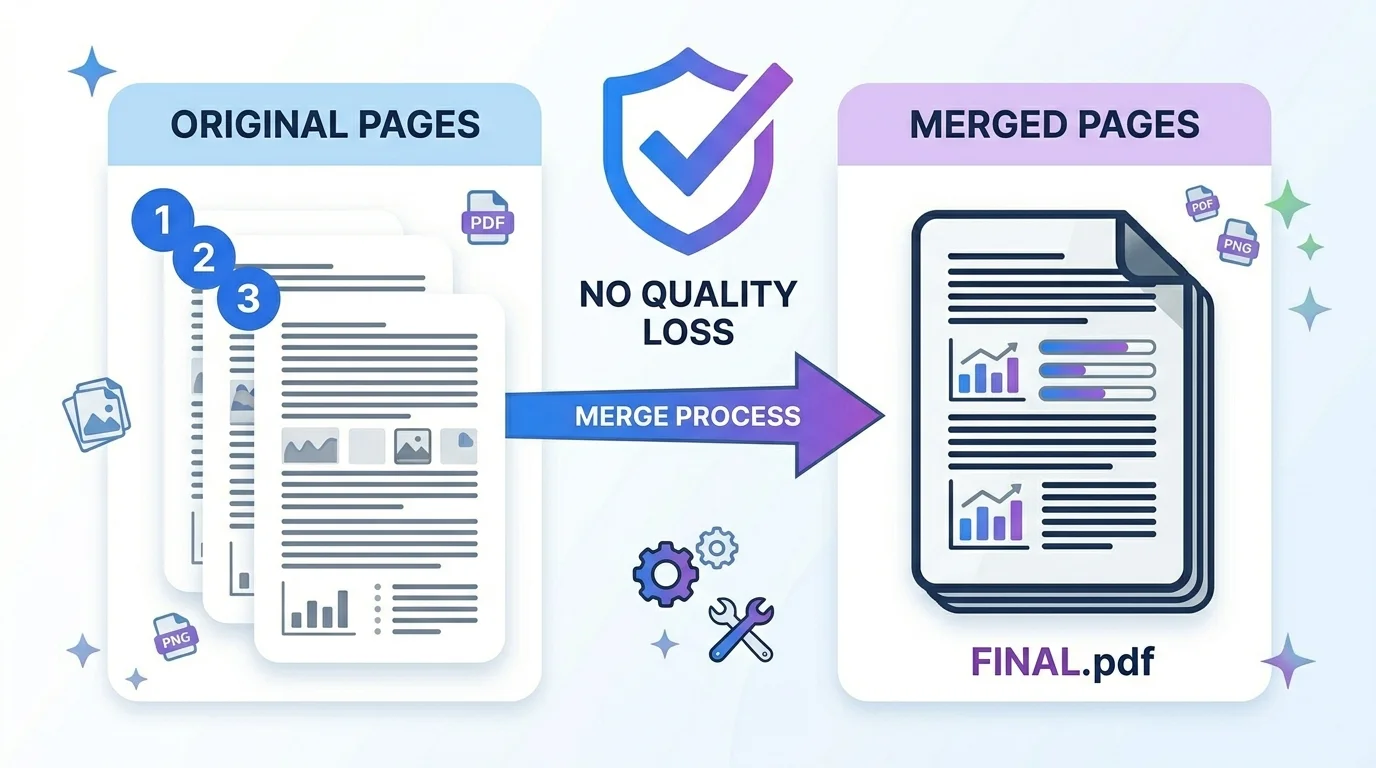
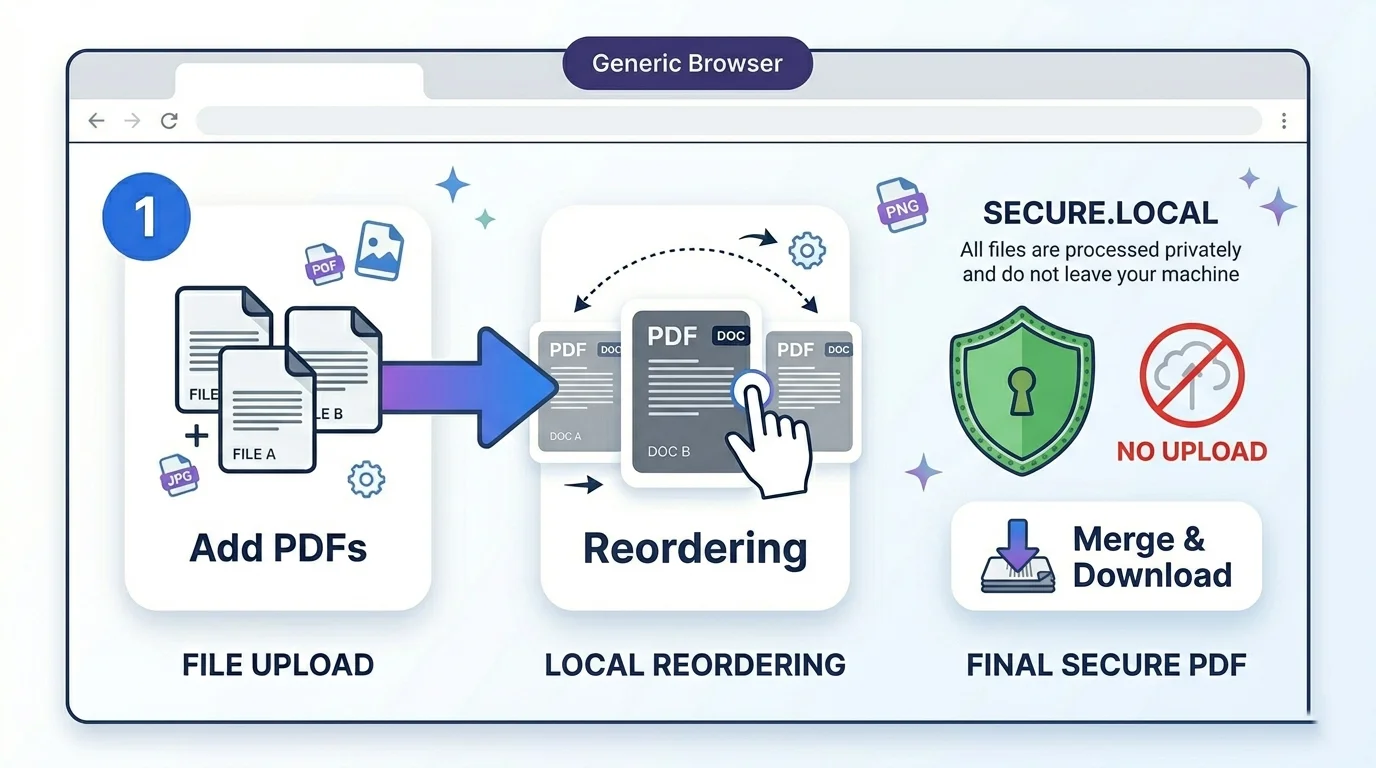
1. 100% private. The merging happens inside your browser with no upload, so sensitive documents never leave your computer.
2. No quality loss. Pages are copied as-is, so text stays selectable and images stay sharp.
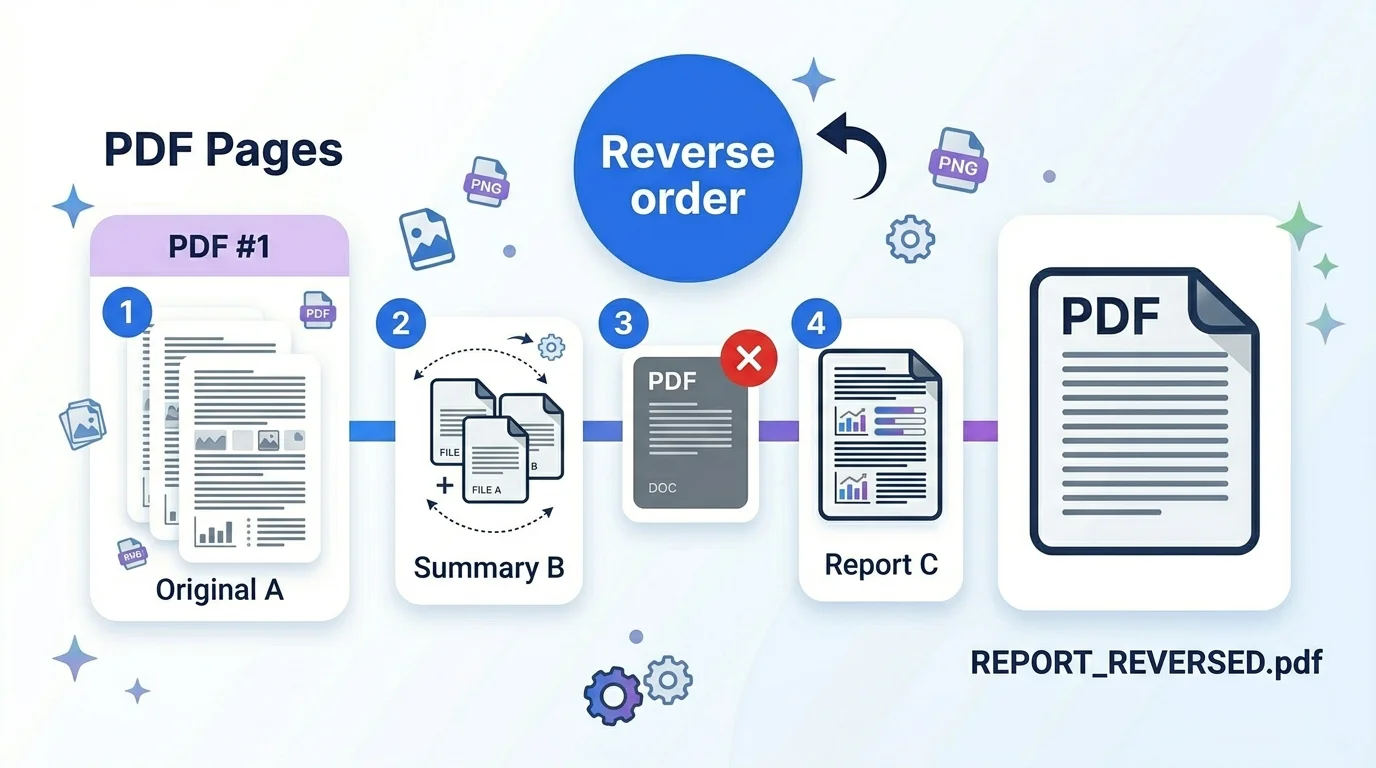
3. Full control of order. Drag cards to reorder, reverse the whole list, or remove any file before merging.
4. Free and simple. No signup, no watermark, no limits – just add, arrange, and download.
Who uses it (India + global)
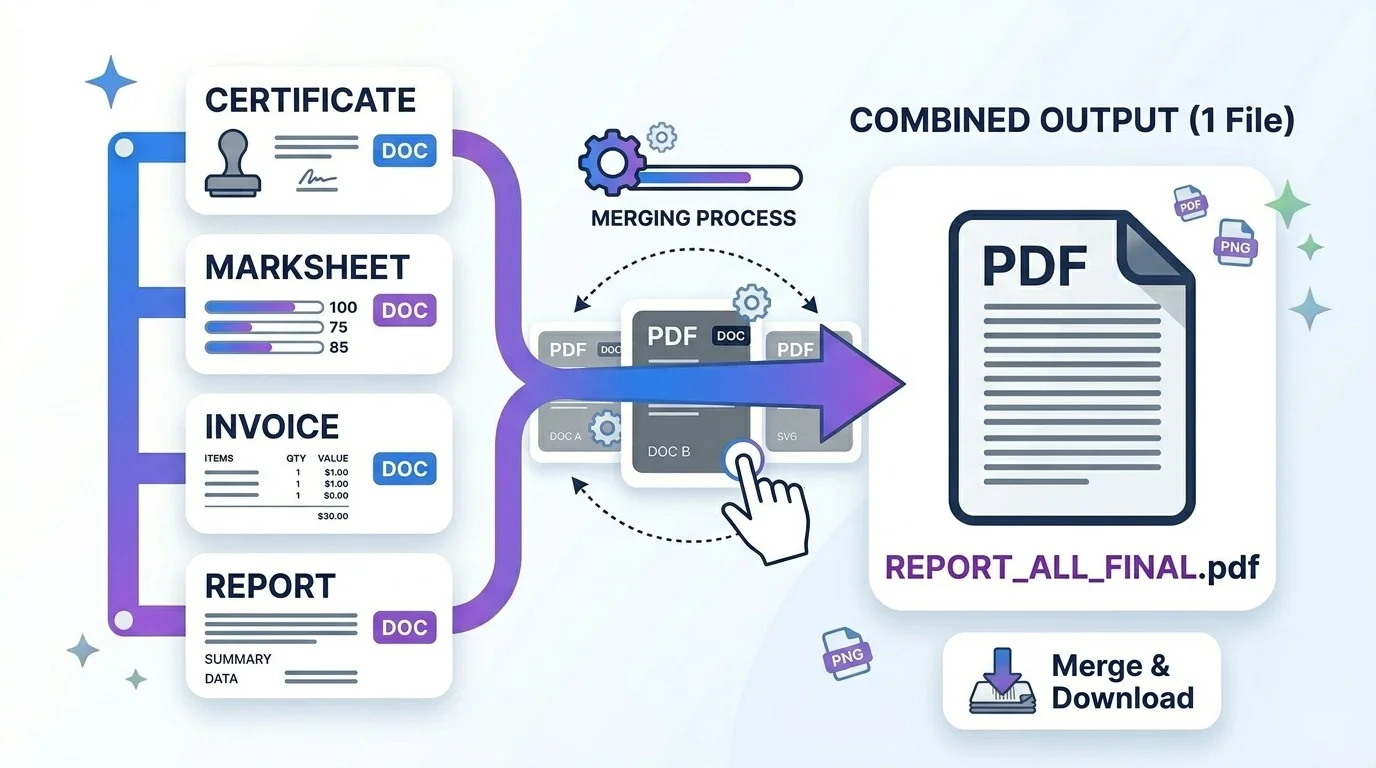
- Students & applicants (India + global): combine certificates, marksheets, or ID scans into one PDF for exam, job, college, or visa form uploads.
- Office & business (global + India): merge invoices, contracts, reports, or signed pages into a single document.
- Everyday use: join scanned pages, lecture notes, or ebook chapters into one easy-to-share file.
How to merge PDF files in order (step by step)
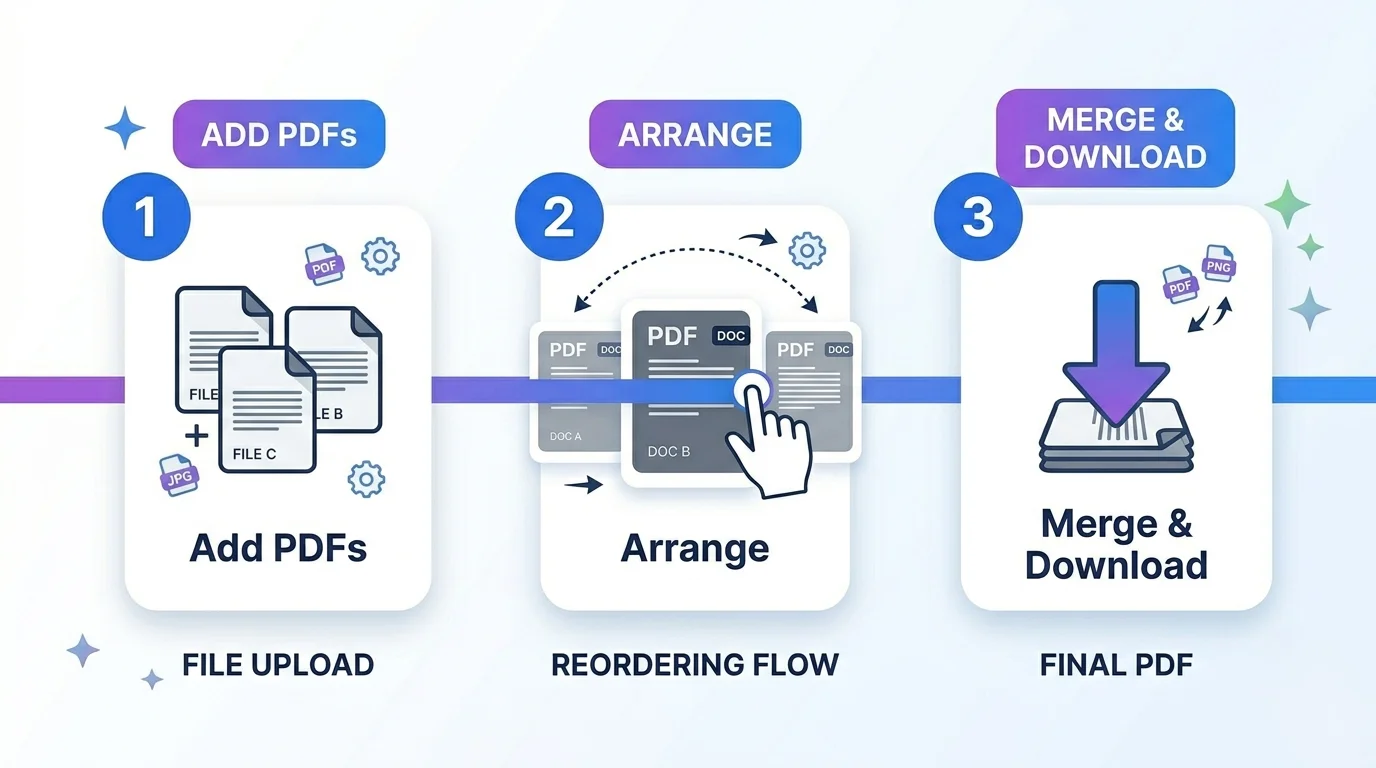
Step 1 — Add your PDFs. Drag your files onto the box, or click “Browse files.” Each one appears as a card with a thumbnail and page count.
Step 2 — Put them in order. Drag the cards to arrange them. Use “Reverse order” to flip the whole list, or the × to remove a file.
Step 3 — Name your file (optional). Type an output name; “.pdf” is added automatically.
Step 4 — Merge & download. Click “Merge & Download.” Your combined PDF is created in your browser and downloads instantly.
Quick reference
- Minimum files: add at least 2 PDFs to merge.
- Order = top-left to bottom-right of the cards.
- Privacy: nothing is uploaded; it all runs locally.
- Output: one PDF, original quality, your chosen filename.
Tips for a clean merge
- Arrange the cards before merging — the order you see is the order you get.
- Keep your originals; the tool works on copies.
- For form uploads with a size limit, merge first, then compress the PDF if your portal needs a smaller file.
- Rename the output to something clear, like
application-documents.pdf.
Frequently Asked Questions
Q: Is this PDF merger free? Yes — completely free, with no signup and no watermark.
Q: Are my PDFs uploaded to a server? No. The merging happens in your browser, so your files never leave your device.
Q: Can I choose the order of the files? Yes — drag the cards to arrange them, or use “Reverse order.” That’s the whole point of merging in order.
Q: Will merging reduce the quality? No. Pages are copied as-is, so text stays selectable and images stay sharp.
Q: How many PDFs can I merge? You can add many files; very large batches just depend on your device’s memory since it runs locally.
Q: Can I merge images (JPG/PNG) too? This tool merges PDF files. To include an image, convert it to PDF first, then add it.
Q: Does it work on mobile? Yes — you can add and merge PDFs on a phone; reordering by drag is easiest on a larger screen.
Closing
Whether you’re combining documents for a form upload or putting a report together, this tool lets you merge PDF files in order quickly, privately, and for free. Add your PDFs above, arrange them, and download your merged file.
External reference (DoFollow): link “PDF (Portable Document Format)” to Wikipedia (https://en.wikipedia.org/wiki/PDF).